How to Block Spam Calls on iPhone and Android (Plus Carrier Tools)
You can't make spam calls disappear completely, but your phone and carrier can filter most of them. Here are the settings to turn on, in order.
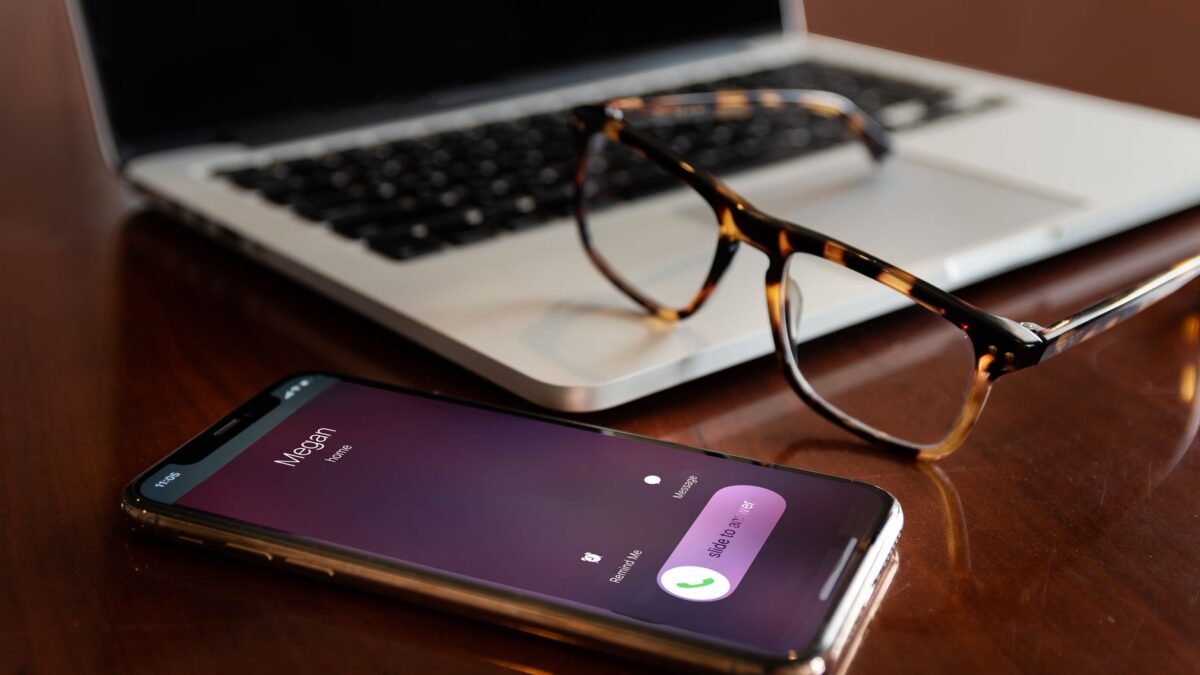
The most effective way to block spam calls is to turn on your phone’s built-in screening: on iPhone with iOS 26, go to Settings > Apps > Phone and set Screen Unknown Callers to Ask Reason for Calling; on Android, turn on Call Screen or the spam filter in the Phone app. Add your carrier’s free spam-blocking app, and register at donotcall.gov to cut down on legitimate telemarketers.
No single tool stops everything, because scammers spoof numbers and switch them constantly. Layering these defenses makes a big difference.
Block spam calls on iPhone
Screen or silence unknown callers (iOS 26)
- Open Settings > Apps > Phone.
- Scroll to Screen Unknown Callers.
- Pick an option:
- Ask Reason for Calling: your iPhone answers calls from numbers not in your contacts in the background, asks the caller for their name and reason, and shows you the response so you can pick up or ignore.
- Silence: unknown numbers go straight to voicemail and appear in Recents.
- Never: unknown numbers ring normally.
On iOS 18 and earlier, the equivalent is Settings > Phone > Silence Unknown Callers, which sends unknown numbers to voicemail. Numbers from your contacts, recent outgoing calls and Siri suggestions still ring.
One caution: silencing all unknown numbers can also hide calls you want, like a doctor’s office, delivery driver or school. Screening is a good middle ground because real callers can tell you who they are.
Block a specific number
- Open the Phone app and go to Recents.
- Tap the info (i) button next to the number.
- Tap Block Caller, then confirm.
Blocking one number helps for persistent callers but does little against robocalls, which rotate numbers. Apple’s support page on blocking calls covers related options, including third-party call-blocking apps that you can enable under the Phone settings once installed.
Block spam calls on Android
Menus vary by manufacturer. These steps are for the Google Phone app (Pixel and many other phones), with Samsung notes below.
Turn on spam filtering
- Open the Phone app and tap the three-dot menu, then Settings.
- Tap Spam and Call Screen (on some phones, Caller ID & spam).
- Turn on See caller & spam ID and Filter spam calls. Filtered calls won’t ring, but they still appear in your call history and voicemail.
Use Call Screen
On Pixel phones in supported countries, including the US, Call Screen can answer suspected spam or unknown numbers for you, ask who’s calling and show a live transcript. In the same Spam and Call Screen menu, tap Call Screen and choose a protection level. Google’s options range from declining only known spam to screening all unknown numbers. Exact labels differ between Pixel models.
Samsung Galaxy
- Open the Phone app, tap the three-dot menu, then Settings.
- Tap Caller ID and spam protection and turn it on.
- Choose to block spam and scam calls (some versions offer high-risk only or all spam).
- Use Block numbers in the same settings to block specific numbers or unknown/private callers.
Block a specific number on Android
In the Phone app’s Recents, long-press the number (or tap it), then choose Block or Block/report spam.
Free carrier tools
The big US carriers all offer spam protection, usually with a free tier and an optional paid upgrade. They label calls as “Scam Likely” or “Spam,” and can block high-risk calls before they reach you.
| Carrier | Tool | Typical free features |
|---|---|---|
| T-Mobile | Scam Shield | Scam ID and scam blocking |
| Verizon | Call Filter | Spam detection and blocking of high-risk calls |
| AT&T | ActiveArmor | Fraud call blocking and spam alerts |
Features and pricing change, and prepaid or smaller carriers may offer different options, so check your carrier’s app or website for what’s included on your plan. Many carriers turn the basic protection on automatically.
The Do Not Call Registry: useful, but limited
The National Do Not Call Registry is free and permanent. You can register at donotcall.gov or by calling 1-888-382-1222 from the phone you want to register.
Know what it can and can’t do:
- It works on legitimate telemarketers, who must stop sales calls once your number has been on the list for 31 days.
- It doesn’t stop scammers. Criminals ignore the list, so it won’t end robocalls about car warranties or fake IRS debts.
- Some calls are allowed anyway, including political calls, charities, surveys, debt collectors and companies you already do business with.
You can also report unwanted calls through donotcall.gov. Reports help regulators find and act against repeat offenders.
How to handle the calls that get through
- Don’t press a number to “be removed.” It confirms your line is active and can lead to more calls.
- Don’t trust caller ID. Scammers can fake the name and number of your bank, the IRS or a local police department.
- Hang up and call back using the number on your card, bill or the official website if a caller claims there’s a problem.
- Never share verification codes. A real company won’t ask you to read back a code it just texted you.
- Be suspicious of familiar voices in a panic. AI voice cloning can imitate relatives. Agree on a family code word and verify by calling the person directly. See our guide to AI voice-cloning scams.
Scam calls often go hand in hand with scam texts. See our guide on how to spot scam text messages, and if you gave out personal details, consider a credit freeze.
Bottom line
Turn on your phone’s screening first: Screen Unknown Callers on iPhone or Call Screen and spam filtering on Android. Then enable your carrier’s free spam blocking and register on the Do Not Call list for legitimate telemarketers. For the calls that still slip through, hang up and call back on a number you trust.
FAQ
Why do I still get spam calls after joining the Do Not Call Registry?
Because scammers ignore it. The registry only binds legitimate businesses. Use your phone’s screening and your carrier’s blocking tools for the rest.
Will Silence Unknown Callers block important calls?
It can. Calls from numbers not in your contacts go to voicemail, so you might miss a doctor or delivery call. Screening with Ask Reason for Calling is a gentler option.
Are third-party call-blocking apps safe?
Some are reputable, but many ask for access to your contacts and call logs. Read the privacy policy, check the developer and try your phone’s and carrier’s free tools first.
Why do spam calls show my own area code?
It’s called neighbor spoofing. Scammers fake a local-looking number because people are more likely to answer. Treat unfamiliar local numbers with the same caution.