Should You Install Phone Updates Right Away? When to Update and When to Wait
Security patches should go on quickly. Major feature upgrades can wait a little. Here's how to decide, how to update safely, and what to know about going back.
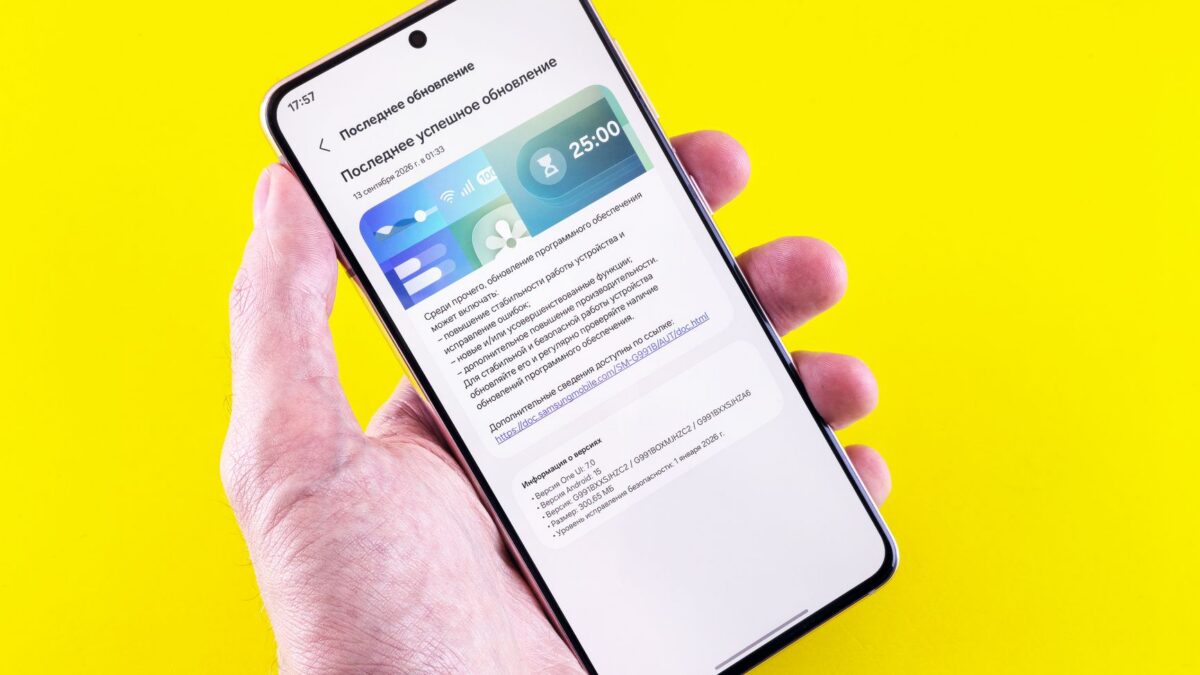
Install security updates as soon as they’re available, because they often fix flaws that are already being exploited. For a major new version, such as a new numbered iOS or Android release, waiting a week or two for early bugs to be fixed is a reasonable choice if you depend on your phone for work or need specific apps. Either way, back up first, because rolling back to an older version is usually not possible.
Security updates vs feature updates
| Update type | Examples | What it’s for | When to install |
|---|---|---|---|
| Security patch | Android monthly security updates; iOS point releases marked as security fixes; Apple’s Background Security Improvements | Closes vulnerabilities | As soon as possible |
| Bug-fix point release | An iOS x.0.1 release, a Pixel monthly update | Fixes problems from the last release, often plus security fixes | Promptly |
| Major version | iOS 27 (released September 2026), Android 17 (rolled out to Pixel phones in June 2026) | New features and design changes | Right away if you like new features; otherwise a short wait is fine |
| Google Play system update | Monthly Play system updates on Android | Core components updated outside the main OS | Let it install automatically |
The line between these isn’t always clean. Major versions often include security fixes too, and Apple sometimes patches serious flaws in the newest iOS first. If an update’s notes mention a vulnerability that “may have been actively exploited,” don’t wait.
Why waiting a little on big upgrades can make sense
- First-release bugs: Battery drain, Wi-Fi or Bluetooth glitches and app crashes are often fixed in the first point release a week or two later.
- App compatibility: Banking, work, accessibility or medical apps sometimes need an update of their own to support a new OS.
- Battery recalibration: Phones often run warmer and drain faster for a day or two after a major update while they re-index photos and data. That usually settles on its own.
Waiting longer than a few weeks has a real cost. Apple and Google prioritize fixes for the newest versions, and older versions eventually stop getting patches.
How to update an iPhone
- Back up first (see below).
- Connect to Wi-Fi and plug in, or make sure the battery has a good charge.
- Go to Settings > General > Software Update.
- Tap Update Now or Update Tonight. If both a new major version and an update for your current version are offered, you can choose which one to install.
Under Automatic Updates on the same screen, you can choose whether iOS downloads and installs updates for you overnight. Since iOS 26.1, Apple can also deliver small Background Security Improvements between full updates; the setting is in Settings > Privacy & Security > Background Security Improvements, and Apple recommends leaving Automatically Install on. See Apple’s page about Background Security Improvements.
iOS 27 supports the same iPhones as iOS 26, according to Apple’s compatibility list, but some features need newer hardware.
How to update an Android phone
- Pixel:Settings > System > Software updates (or System update on some versions). Pixels download updates in the background and apply them when you restart.
- Samsung Galaxy:Settings > Software update > Download and install.
- Security and Play system updates: On many phones, Settings > Security & privacy > System & updates shows the security patch level and Google Play system update.
Google’s help page explains how to check and update your Android version. Brands roll out updates on their own schedules, and carriers can add delays, so a new Android version may reach your phone weeks or months after Pixel phones get it.
Back up before you update
Updates rarely wipe data, but a failed install or a phone that won’t start afterward is possible. A recent backup turns that into an inconvenience rather than a loss.
- iPhone: Turn on iCloud Backup in your iCloud settings, or make a full backup to a computer. Our guide to backing up an iPhone to a Mac or PC covers the computer method, which also lets you keep an archived copy.
- Android: Check Google backup in Settings (on Samsung, also Samsung Cloud or Smart Switch), and make sure Google Photos or another service has your photos.
Also note your passwords and two-factor authentication app recovery codes before a major upgrade, just in case.
Can you roll back an update?
Usually not, at least not easily:
- iPhone: Apple only lets you install iOS versions it is still “signing,” which typically stops shortly after a newer version arrives. Once that happens, there is no official way back. Even when possible, downgrading erases the phone, and a backup made on the newer iOS may not restore to an older one.
- Android: Phones generally don’t allow installing an older version over a newer one. Some Pixel phones can be flashed with an older factory image, but that wipes the device, involves unlocking the bootloader and can be blocked by anti-rollback protections. It’s not something most people should attempt.
- Background Security Improvements on Apple devices are the exception: Apple lets you remove an applied improvement, which returns the device to its base update.
Because going back is so limited, the safer strategy for cautious users is to wait briefly before major upgrades rather than planning to downgrade.
How long will your phone keep getting updates?
Support windows differ a lot by brand. Recent Pixel and Galaxy flagships are promised years of OS and security updates, while some budget phones get far fewer. Our guide to how long phones get updates explains how to check your model’s end date. When a phone stops getting security updates, it’s time to plan a replacement.
Bottom line
Treat security updates as urgent and let them install automatically. For major iOS or Android versions, updating right away is fine for most people; if your phone is mission-critical, waiting a week or two for the first bug-fix release is a sensible compromise. Always back up first, since rolling back is rarely an option.
FAQ
Do updates slow down older phones?
A major update can feel slower on the oldest supported models, and the first day or two after updating can be sluggish while the phone re-indexes. Ongoing slowness on an old phone is more often a worn battery or full storage.
Can I skip a major iOS version and still get security fixes?
Apple has at times offered security updates for the previous iOS version, but it doesn’t guarantee how long. Check the Software Update screen to see what’s offered.
Why hasn’t my Android phone received the latest version yet?
Each manufacturer and sometimes your carrier controls the rollout. Pixel phones get new Android versions first; other brands follow on their own timelines.
Is it safe to update over public Wi-Fi?
Yes. Updates are signed and verified by Apple and Google, so a tampered download won’t install. A stable connection and enough battery matter more.