How to Spot Scam Text Messages (Toll, Package, Bank and “Wrong Number” Scams)
Fake toll notices, missed-delivery alerts and friendly "wrong number" texts all follow the same playbook. Here's how to recognize them and what to do next.
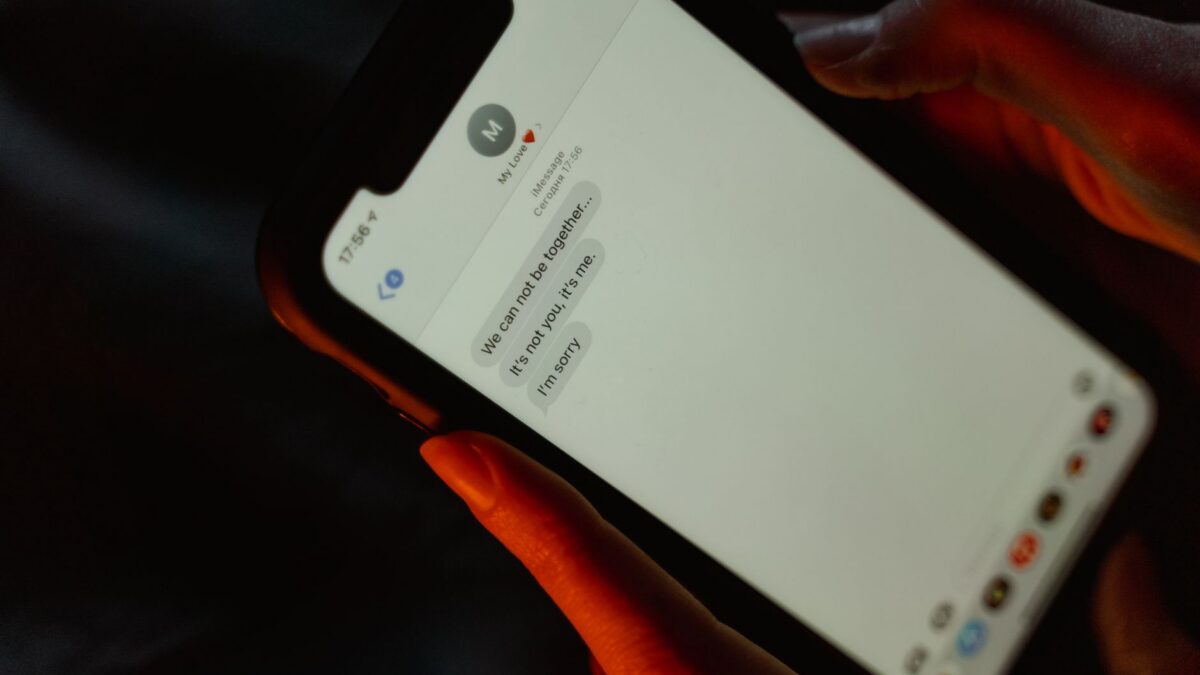
A scam text usually creates urgency (an unpaid toll, a stuck package, a locked bank account) and pushes you to tap a link, reply or call a number. The safest rule: never act on the link in an unexpected text. Check the claim by opening the company’s official app or typing its website yourself, then report the text by forwarding it to 7726 and delete it.
Text-message phishing, often called smishing, is now one of the most common ways scammers reach people. The good news is that the messages follow a few predictable patterns.
The most common scam texts right now
| Scam | What the text says | What they really want |
|---|---|---|
| Unpaid toll | “You have an outstanding toll balance. Pay now to avoid late fees.” Often names E-ZPass or a state toll service | Your card number and personal details on a fake payment page |
| Package delivery | “USPS: your package could not be delivered, update your address” | A small “redelivery fee” (and your full card details) |
| Bank or card alert | “Did you attempt a $500 purchase? Reply YES or NO” | To get you on the phone with a fake “fraud department” that asks for codes or a transfer |
| Account problem | “Your Apple ID / Netflix / Amazon account is suspended” | Your login and password on a lookalike sign-in page |
| Job offer | “Earn $300 a day working from home, reply to learn more” | Fees, personal data, or help moving stolen money |
| “Wrong number” | “Hi, is this Jenny? Are we still on for dinner?” | A long friendly chat that ends in a fake investment, often crypto |
Red flags that give a scam text away
- Urgency or threats. Late fees, suspended accounts, legal action, “respond within 24 hours.”
- A link you didn’t expect. Especially shortened links or web addresses that misspell or pad a real brand name.
- Odd sender. A random 10-digit number, an email address or an overseas number for a “local” toll agency or US bank.
- Requests for codes or payments. Real banks won’t text you asking you to share a verification code or move money to a “safe account.”
- Tiny amounts. A $1.99 redelivery fee or a $4.15 toll is meant to seem too small to question. The goal is your full card details.
- “Reply Y to get the link.” Some phones disable links from unknown senders, so scammers ask you to reply first to unlock them.
The “wrong number” scam deserves its own warning
This one doesn’t start with a link. Someone texts a casual message meant for “someone else,” apologizes, and keeps chatting. Over days or weeks they become a friend or romantic interest, often share photos and talk about success with crypto or trading. Eventually they offer to help you invest through an app or website they recommend.
The platform shows impressive gains, but the money is gone the moment you send it, and “withdrawal fees” or “taxes” are invented to take more. Investigators and the press often call this pig butchering. The safest response to a friendly text from a stranger is no response at all. Never send money or crypto to someone you’ve only met by text.
How to check if a text is real
- Don’t tap the link. Even opening a page can lead you to a convincing fake form.
- Open the official app or website yourself. Type the address or use a bookmark. If there’s a real unpaid toll, package issue or account alert, it will show there.
- Call the number on the back of your card or on the company’s official site, not a number from the text.
- Ask someone. A quick second opinion from a family member stops a lot of scams.
How to report and block scam texts
Reporting helps carriers and regulators block the senders. It takes seconds.
Forward to 7726 (SPAM)
US carriers accept forwarded spam texts at 7726. Long-press the message, choose Forward (on iPhone, tap More, then the arrow), send it to 7726, and reply with the sender’s number if asked.
On iPhone
- Open the conversation and look for Report Junk under the message (shown for unknown senders), then tap Delete and Report Junk.
- To filter future texts on iOS 26, go to Settings > Apps > Messages, scroll to Unknown Senders, and turn on Screen Unknown Senders. Texts from numbers not in your contacts then go to a separate Unknown Senders list. On iOS 18 the similar option is called Filter Unknown Senders.
- To block a number, tap the sender at the top of the chat, then tap Block Caller (location of the option can vary slightly by iOS version).
On Android (Google Messages)
- Long-press the conversation and tap Block, then make sure Report spam is checked.
- Check that spam protection is on: in Messages, tap your profile picture, then Messages settings > Spam protection. Samsung Messages has its own block and spam settings in the app’s menu.
Report to the FTC
You can also file a report at ReportFraud.ftc.gov. If you lost money, include the number that texted you and any website it pointed to.
What to do if you already clicked or paid
Act quickly. The faster you move, the more you can limit the damage.
- If you entered card details: call your card issuer using the number on the back of the card, report the fraud and ask for a new card. Dispute any charges you didn’t authorize.
- If you entered a password: change it immediately on the real site, and anywhere else you used it. Turn on two-factor authentication.
- If you shared a verification code: assume the account is at risk. Change the password, sign out other sessions and review recent activity.
- If you gave your Social Security number: consider a credit freeze at all three bureaus and visit IdentityTheft.gov for a recovery plan.
- If you sent money by wire, gift card, payment app or crypto: contact the service you used right away and ask whether it can stop or reverse it. Recovery is often hard, so report it to the FTC and, for larger losses, the FBI at ic3.gov.
- If you installed something: remove any app you installed from the link and run a security check. See how to tell if your phone is hacked.
Simply opening a text is generally not dangerous. The risk comes from tapping links, replying, installing apps or handing over information.
Watch for follow-up “recovery” scams. People who lost money are often contacted by someone promising to get it back for a fee. Legitimate agencies don’t charge to recover your money.
Bottom line
Scam texts rely on urgency and a link. Slow down, skip the link, and check the claim through the official app or website. Report the message to 7726, block the sender, and if you already clicked, call your bank and change your passwords right away.
FAQ
Should I reply STOP to a scam text?
It’s usually better not to. Replying confirms your number is active. STOP works for legitimate marketing lists you signed up for, but for obvious scams, report and delete instead.
Why do I get texts from email addresses?
Scammers can send texts through email-to-text gateways or messaging services, which hides their real number. A bank or toll agency texting from a random email address is a strong scam signal.
Can I get a virus just by opening a text?
For most people, opening a text is not the risk. Tapping a link, downloading an app or file, or entering information is. Keep your phone updated to close rare security flaws.
How do I know if a toll text is real?
Log in to your toll account through the agency’s official website or app, or call the number on its official site. Toll agencies may text account holders, but you can always confirm the balance without using the link.