Which Game Console to Buy: PS5, Xbox, Switch 2 or Steam Deck
Compare PS5, Xbox Series X|S, Nintendo Switch 2 and Steam Deck by budget, game library and family use to pick the right console for the holidays.
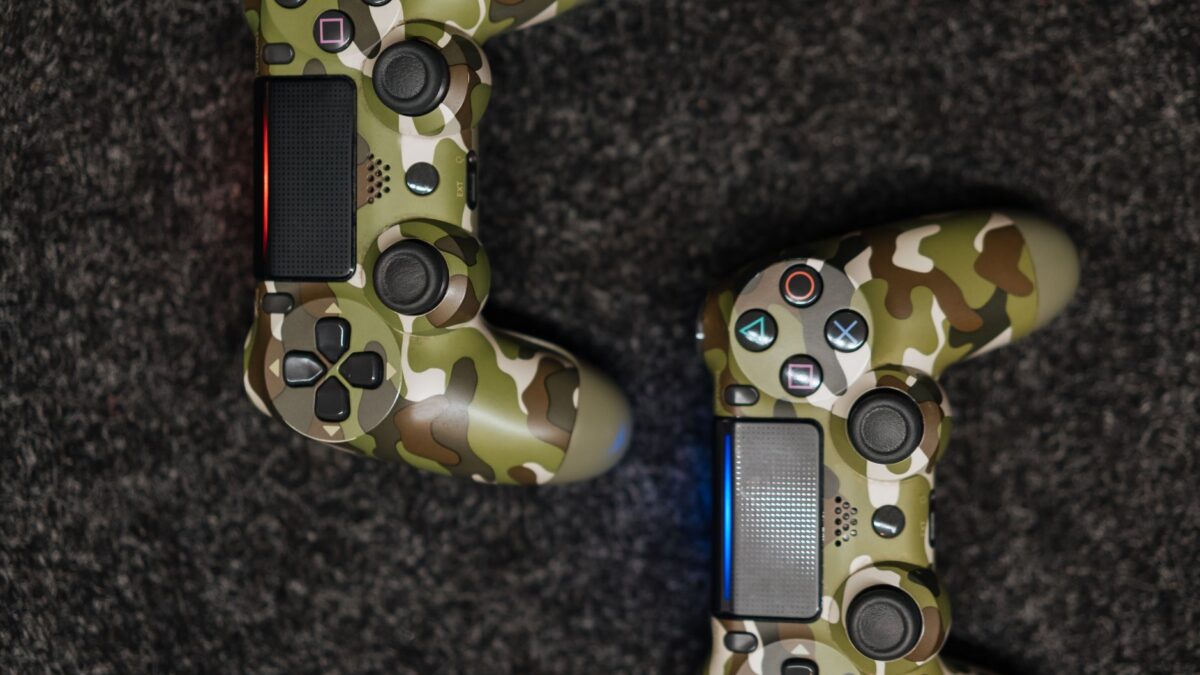
The best console depends on who will play and what they want to play. Pick a Nintendo Switch 2 for families, local multiplayer and Nintendo games; a PS5 for big single-player games and a large disc and digital library; an Xbox Series X|S for Game Pass subscribers and value; and a Steam Deck if you already own a PC game library or like tinkering. Prices change often, so check current prices at the retailer before you buy.
Start with three questions
- What games does the player already love? Exclusive games are the strongest reason to choose a platform. Mario, Zelda and Pokémon are on Nintendo systems only, while many big cinematic adventures are found on PlayStation.
- Who will play, and where? A console connected to a TV suits a living room. A handheld suits travel, shared bedrooms and anyone who plays in short sessions.
- What is the total budget? Include the extra controller, online subscription, storage and games, not just the console.
PlayStation 5: big games and a deep library
The PS5 is a strong choice for players who want large single-player adventures, sports games and a wide catalog of third-party titles. It comes in disc and digital-only versions. The digital version is usually cheaper, but you can only buy games from the online store, so you cannot lend, trade in or buy cheap used discs.
- Good for: teens and adults who like story-driven action, sports and shooters; households that already own a PlayStation controller and games.
- Keep in mind: online multiplayer on console needs a paid PlayStation subscription, and game prices at launch are usually the highest of the major platforms.
Xbox Series X|S: value through subscription
Xbox sells two models. The Series X is the more powerful one with a disc drive, and the Series S is a smaller, cheaper digital-only console. The platform’s main selling point is the Game Pass subscription, which gives access to a rotating library of games for a monthly fee. For someone who plays many different games, a subscription can cost less than buying titles one at a time.
- Good for: players who try lots of games and want a large library without buying each one.
- Keep in mind: the Series S has less storage and no disc drive. Games you do not own outright can leave the subscription catalog. Check what Game Pass tiers include before you count on a specific game. If you plan to use the controller on a computer too, our guide to an Xbox controller not working on PC covers common fixes.
Nintendo Switch 2: family play and portability
The Switch 2 works both docked to a TV and as a handheld, and it remains the easiest console to hand to a mixed-age group. Detachable controllers support quick two-player sessions straight out of the box, and Nintendo’s first-party games tend to be family friendly.
- Good for: children, families, couples and anyone who wants couch co-op or a console that travels.
- Keep in mind: Nintendo games often hold their price for a long time, and third-party games may run at lower graphical quality than on PS5 or Xbox. Check game compatibility if you plan to reuse games from the original Switch.
Steam Deck: a handheld PC
The Steam Deck is a handheld that plays PC games from the Steam store. It suits players who already have a Steam library, enjoy sales and like adjusting settings. It can also be connected to a TV with a dock, and many PC accessories work with it. Not every game runs well on it, so look at a game’s compatibility rating in the Steam store before you buy.
- Good for: adult players, PC gamers, indie game fans and anyone who wants cheap older games.
- Keep in mind: battery life varies a lot with the game, and the interface asks for a bit more setup than a traditional console. For a wider comparison, see our explainer on handheld gaming PCs.
Quick picks by situation
- Buying for a young child: Switch 2, with parental controls set up.
- Buying for a teenager who plays with friends: check which console their friends use, because most online play stays within the same platform, although many popular games support cross-play.
- Tight budget: Xbox Series S, a digital PS5 or a used console. Compare the cost of games and subscriptions too.
- Whole-family living room console: Switch 2, or PS5 or Xbox Series X if everyone enjoys sports and racing games.
- Traveler or commuter: Switch 2 or Steam Deck.
Costs people forget
- An extra controller for a second player.
- A paid online subscription for multiplayer on PlayStation, Xbox and Nintendo.
- Extra storage, since modern games can take up a lot of space.
- A microSD card or expansion drive on handhelds and some consoles.
- A case, screen protector or charging dock.
Holiday sales can reduce the cost of consoles and bundles, but only some are genuine savings. Our comparison of Black Friday and Cyber Monday tech deals can help you time a purchase. Check that a bundle includes games you actually want, and buy from a reputable retailer with a clear return policy.
Quick answers
Which console is best for kids?
The Switch 2 is the most common pick for younger children because of its family-friendly games and handheld mode. Whichever console you choose, set up parental controls for spending and online chat.
Is the Steam Deck a replacement for a console?
It can be, if you are happy with PC games and a bit of setup. It does not run PlayStation or Nintendo exclusive games.
Should I buy a disc or a digital console?
Disc versions let you buy used games and share discs. Digital versions can cost less up front but tie you to online stores.
Can I use a PlayStation controller on a PC?
Yes. A PS5 controller works on Windows through Steam and other tools. See our guide on using a PS4 or PS5 controller on Windows.