
Technology is a blessing in the current world we live in now. Computers are wonders that have made our lives easier, faster, and more fun. Computers are a fantastic creation that has changed how people live and work. It has changed from big desktop boxes to laptops and cell phones that are easier to carry and use.
But what makes these computers work is something that only a few people talk about. We’re talking about the OS or operating system. A machine can only work with an operating system.
People have discussed which operating systems are the best for years. In this piece, we’ll find out by listing the world’s best operating systems (OS).
What are the key distinctions between server and desktop operating systems?
It is essential to our talk to know how to tell a server OS from a regular one. There are noticeable changes.
An everyday OS can run programs like MS Word, PowerPoint, Excel, etc., and one of your favorite video games. It lets programs run that make it easy to use the Internet and check email. It connects through LAN and Bluetooth and costs less than a server OS.
On the other hand, server operating systems are expensive, and rightly so. These platforms let you join as many users as you want, have more memory, and work as servers for the web, emails, and databases.
Since a server OS is designed for a network instead of a single user, it can handle more than one screen at a time.
What Is An Operating System?
At its most basic level, an operating system is the software that lets a person run important programs on their computer. It helps keep track of the hardware tools on a computer. It helps with setting up tasks and controlling the computer’s hardware.
Which OS Is Best For Personal Use?
Traditional Windows and MAC OS are both excellent choices for home use. You don’t need a powerful OS at home, especially for simple jobs like writing or browsing the web. The Windows operating system is better for games than the MAC operating system.
Which Is The Fastest OS?
When talking about the fastest OS, there is no question that the smallest and fastest OS on the market right now is Linux-based. Unlike Windows, it doesn’t need a fast processor to work at its best.
Linux-based operating systems like Ubuntu Server, CentOS Server, and Fedora are excellent choices, especially for running businesses that need a lot of computer power.
Top 10 Best Operating Systems
#1) MS-Windows


The best for apps, browsing, personal use, games, and other things.
Price: $119 – $199$ (Pro)
It has continuously been the most widely used OS from Windows 95 to Windows 10. It’s a standard for computers everywhere.
It is easy to use, starts up, and gets back to work quickly. The latest versions have more security features to protect you and your info.
Features
- A robust user interface makes finding your way around more accessible, with a start menu on the left lists options and shows what apps do.
- Users can switch between multiple areas simultaneously with Task View, which shows all the open Windows.
- One is for a mouse and keyboard, and the other is called “Tablet Mode” and is made for touchscreens.
- Multi-Factor authentication technology, like BIN, PIN, fingerprint recognition, etc., gives you better security.
- Compress system files automatically to lower the amount of space they take up.
Verdict: The Windows program is the best because it has changed the most over time. It has a state-of-the-art security system, and its user design makes it easy to use no matter your device. The price is the only thing that will hurt some.
Website: Microsoft
#2) Ubuntu
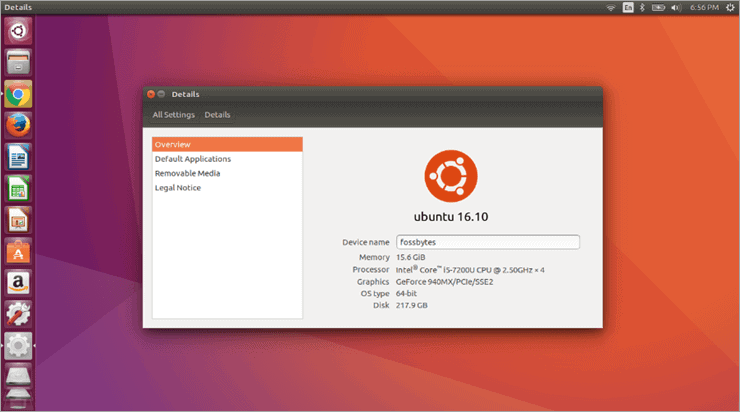

Best for running Open Source apps, running browsers, and playing games.
Price: Free
Ubuntu is an operating system built on Linux with everything you want in an OS. It’s excellent for use in groups, schools, and at home. It’s free to download, use, and share, which should be reason enough to check out this app.
It is supported by Canonical, a global software company, and now by the top Ubuntu service companies.
Features
- Ubuntu is an Open Source program, meaning anyone can download, use, and share it.
- It has a firewall and virus security software built in, making it the most secure OS.
- You get security fixes and updates for five years.
- Ubuntu has been completely translated into 50 languages.
- It works and suits the latest laptops, desktops, and touchscreen devices.
Verdict: Ubuntu is a good choice for people with holes in their pockets. Its open-source feature is enough to get many people to use it. But it makes up for it in terms of quality with a solid design and security features that take time to pass up.
Website: Ubuntu
#3) Mac OS
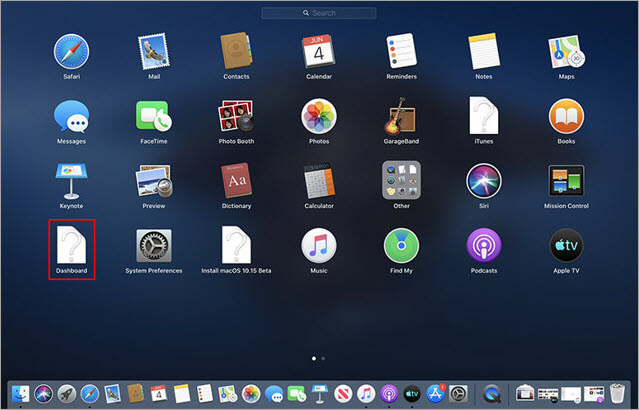

Best for Apple apps, Dynamic Desktop, and other things.
Price: Free with Apple Devices.
The Mac Operating System has been at the heart of Apple’s hardware for as long as we can recall. Creativity has evolved over time to incorporate these new elements.
In the past few years, MAC operating systems have been free, and their developers have even given away free updates now and then. Apple fans have no other choice but to use the MAC OS.
Features
- With the new dark mode, your desktop screen will look more dramatic and be easier on the eyes.
- A dynamic desktop that helps organize your files instantly by type, date, or tag.
- Continuity camera that lets you scan or take a picture of a paper close to your iPhone and have it show up on your Mac.
- The MAC app store lets you find hand-picked apps.
- With the new iTunes, users can look for songs with few words.
- Make it more challenging for websites to track your Mac by making your online name less visible.
Verdict: The most impressive thing about the Mac is how lively its interface looks and works. It looks like one of the best operating systems out there. Now, Apple is letting its users get this OS and all of its updates for free. This has made things much easier for Apple users, who already pay a lot for their devices.
Website: Apple
#4) Fedora
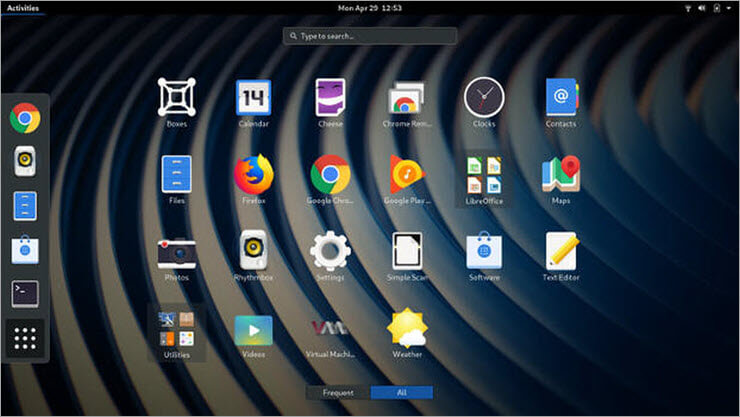

Best for Open Source development, business use, and other things.
Price: Free
Fedora, a Linux-based operating system, offers robust features, rivaling Ubuntu’s open-source capabilities. It is a reliable choice for laptops and desktops, providing stability and user-friendliness.
Ideal for a wide range of users, Fedora caters to students, hobbyists, and professionals, serving well in corporate environments.
Features
- In the Gnome 3 environment, a sleek new user interface lets coders focus on their code.
- It gives you a complete set of open-source languages, tools, and services that you can access with just a click or a few commands.
- It lets you use robust virtualization tools to set up and run virtual machines.
- With OCI (Open Container Initiative) picture support, you can put your apps in containers or use apps right out of the box.
Verdict: Even though Fedora is suitable for home use, it works best for developers in a business setting. It is free and has all the tools and services a programmer needs to work on their projects.
Website: Fedora
#5) Solaris
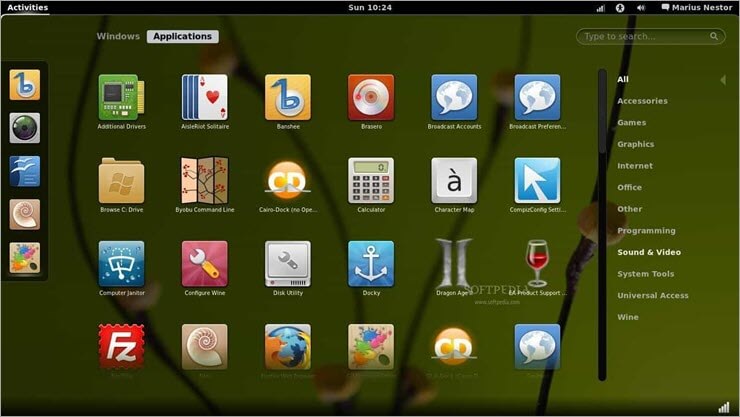
Best for handling large amounts of work, running various databases, etc.
Price: Free
Solaris is an operating system made by Sun Microsystems in the mid-1990s. It is based on UNIX. After Oracle bought Sun Microsystems in 2010, it was changed to Oracle Solaris. It is known for being able to grow, which was made possible by Dtrace, ZFS, and Time Slider, among other things.
Features
- It offers the most advanced security features in the world, such as process and user rights management, which lets you protect mission-critical data.
- It improves the speed of web, database, and Java-based services in a way that can’t be argued with.
- No changes are needed to get high-performance networking.
- The ability to help manage file systems and databases is unlimited.
- Allows hardware and software to work together smoothly to solve hundreds of problems.
Verdict: Oracle Solaris is one of the best free open-source OS in the business. It makes it possible for businesses that need high-end running software to have scalability, interoperability, data management, and security.
Website: Solaris
#6) Free BSD

Best for networking and interaction with Internet and Intranet servers.
Price: Free
FreeBSD is free UNIX-based open-source software, as the name suggests. It works on several different devices and focuses primarily on speed and stability. The most exciting thing about this program is where it came from. It was built by a big group at the University of California.
Features
- There are advanced networking, connectivity, and security features that many OS still need to have.
- Ideal for both Internet and intranet services, it can handle big loads and manage memory well so that multiple users can still get good responses simultaneously.
- An advanced embedded platform for high-end products that use Intel.
- Easy to set up using CD-ROM, DVD, or FTP and NPS straight over the network.
Verdict: Since a large group made it of students, Free BSD’s biggest draw is its solid operating system. It works best for networking, can be used on many devices, and is easy to set up. So, give it a shot.
Website: Free BSD
#7) Chrome OS
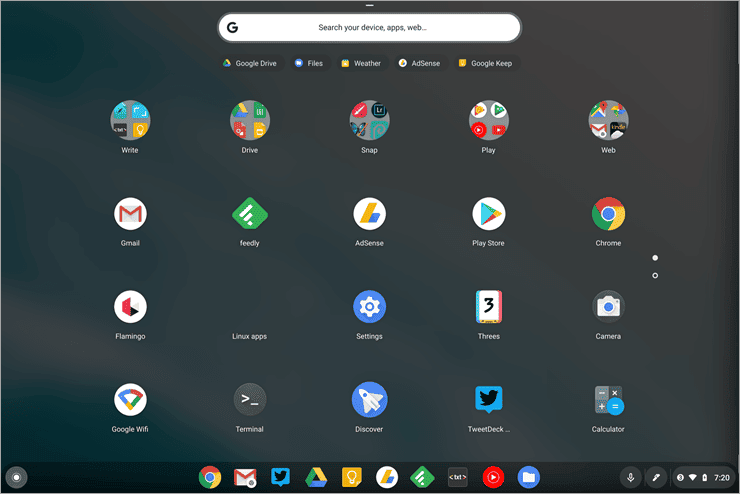

The best for a Web app.
Price: Free
Chrome OS is another piece of operating software made by Google that is built on the Linux kernel. Since it is based on the free Chrome OS, its primary user interface is the Google Chrome web browser. Most web apps can be run on this OS.
Features
- The ability to play multimedia files locally, such as MP3s and videos, without an internet connection.
- Access to remote applications and a virtual screen.
- Chrome OS is made so that all Android apps will work with it.
- It is possible to run Linux programs on Chrome OS.
Verdict: Chrome OS is an operating system that works well but has a lot of potential for what it could become. It works well for Linux and Android apps and multimedia apps. We will have to wait and see about the other parts.
Website: Chrome OS
#8) CentOS
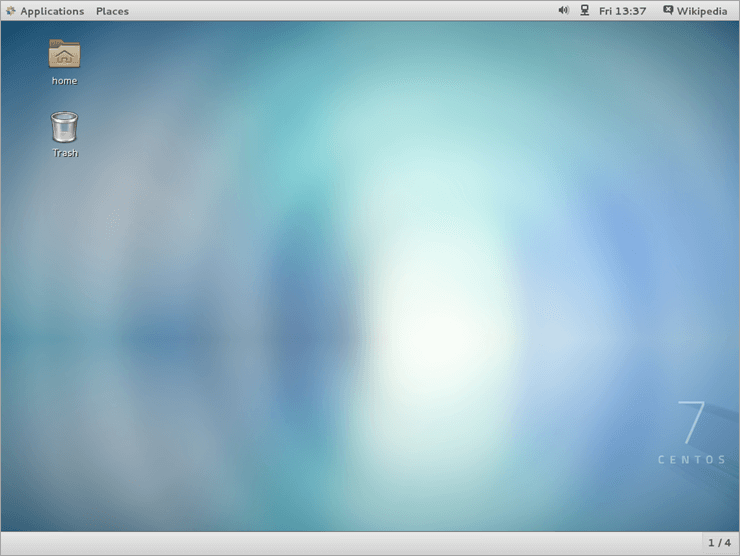

The best for coding, personal, and business use.
Price: Free
CentOS is another free open-source software run by the community and allows for solid platform control. It works best for writers who want an operating system that is independent of their coding. That doesn’t mean it has nothing to offer people who want to use it daily.
Features
- There are a lot of tools for coders who want to build, test, and share their programs.
- Many OS still need the advanced networking, connectivity, and security features that Linux has.
- It makes it possible for hardware and software to work together without problems.
- It has the world’s most advanced security features, like process and user rights management, which lets you protect mission-critical data.
Verdict: We’d rather see coders use CentOS than regular people at home. CentOS makes it easier and faster for them to code. Even better, it’s free.
Website: CentOS
#9) Debian
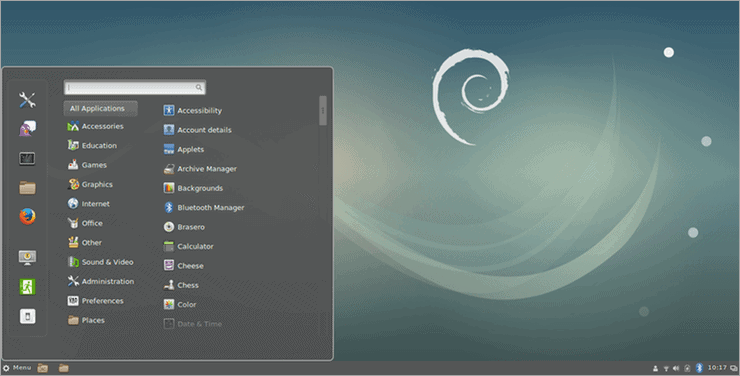

Apps Run Best On It.
Price: Free
Debian is, once again, a free, open-source OS built on the Linux kernel. It comes with more than 59000 packages and is software that has already been assembled in an excellent package. It is easy to set up and has an easy-to-use layout.
Features
- No matter how fast the chip is, the other OS is faster and lighter.
- It has firewalls built in to protect info that is important to you.
- Easy to set up with any method.
- There are advanced networking, connectivity, and security features that many OS still need to have.
Verdict: Debian might not be the most flexible of the operating systems listed above, but it is free and open-source, so you should try it if you have little money.
Website: Debian
#10) Deepin

Best for getting an application to run.
Price: Free
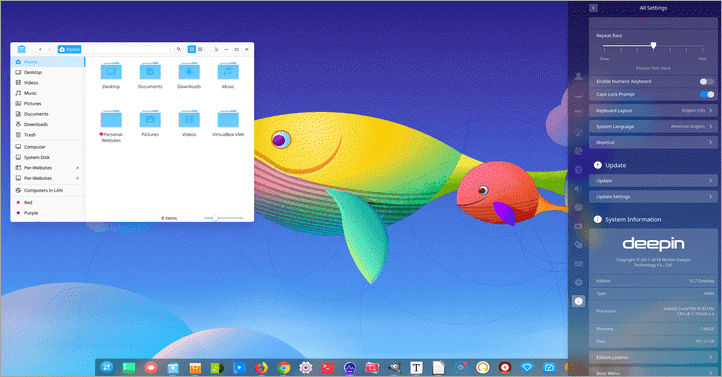
Deepin is a free operating system that is based on the stable branch of Debian. It has DDE, which is based on the QT Desktop Environment. People have said nice things about how it looks and how easy it is to use.
Features
- Aesthetics that are easy to use and strong.
- Improvements to security.
- Simple steps for installing.
- Home to custom-made Deepin apps like font installer, file manager, screenshot, Deepin screen camera, voice recorder, image and movie viewer, etc.
Verdict: Deepin could be its OS for a small group of people. It is free and fixes many problems with Debian. With more changes, it will soon be able to compete with the best operating systems, like Windows and Mac.
Website: Deepin
Conclusion
An operating system is your computer’s fuel to work how you want it to. Many operating systems (OS) out there let you do it. Choose the operating system that works best for you and your needs.
Windows is great if you want to use it for personal things like playing games and surfing the web. If you have an Apple computer, the only thing you can do is use the MAC OS.
Linux and UNIX-based OS are options for businesses. No matter what you decide, the list above will help you clear up any misunderstanding and make the right choice.