Google Pushes Pixel Watch Battery Drain Fix Through the Play Store
Google is rolling out a fix for the Pixel Watch battery drain bug via app updates, not Wear OS. Here is how to install it and what is still unknown.
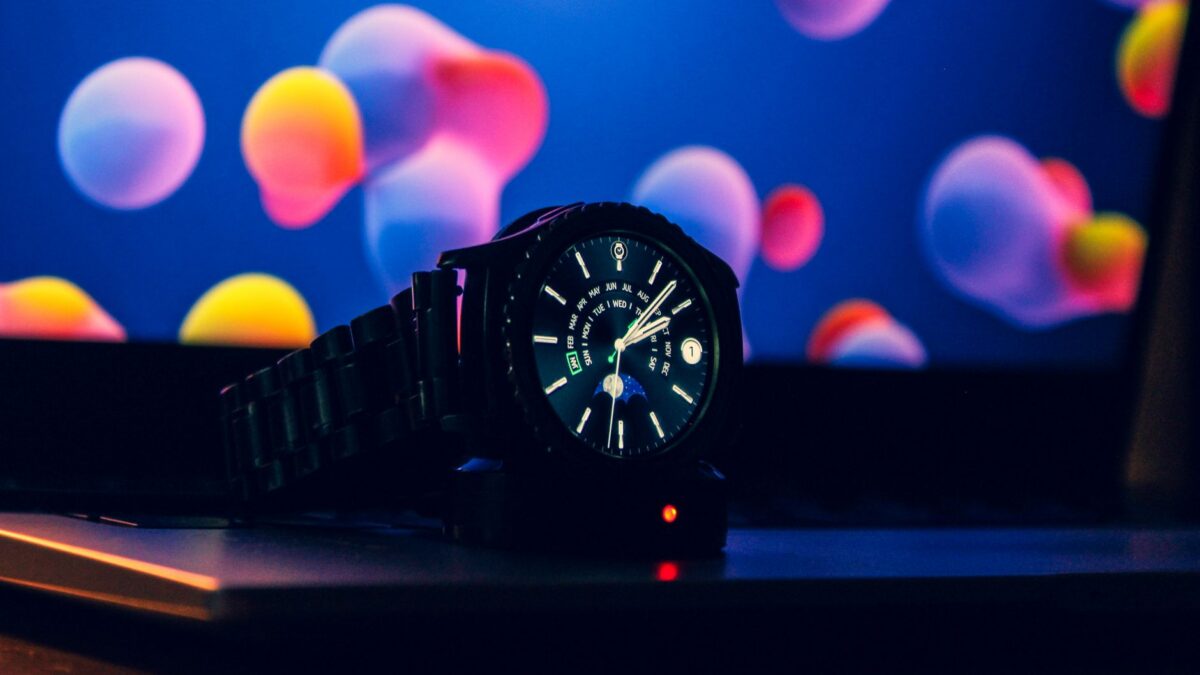
Google has confirmed that a software bug was draining the batteries of some Pixel Watches and says a fix has started rolling out. The repair arrives as app updates through the Play Store on the watch, not as a full Wear OS system update, and Google expects it to reach everyone over the next couple of days. Affected owners had reported battery life falling to roughly 12 hours, even with very light use.
What went wrong
Over the past week or so, complaints about sudden battery drain spread across Reddit and other forums. Owners said their watches were losing charge far faster than usual, in some cases leaving them with less than half of their normal battery life. According to Android Police, reports came in for every currently supported model, from the Pixel Watch 2 through the Pixel Watch 5.
The drop was dramatic for newer models. Android Police notes that Google’s latest watch could last almost two days on one charge, so falling to between 12 and 16 hours left many people confused. One of its writers said his own Pixel Watch 4 went from about a day and a half per charge to struggling to reach 12 hours, and at first he suspected the battery itself was wearing out.
Google acknowledged the issue late last week. In its statement, a spokesperson said the problem affects “a small number of Pixel Watch users.”
How to get the fix now
You do not need to wait for a system update. Google says the fix comes through updated apps, which you can install directly on the watch:
- Press the crown on your Pixel Watch to open the app list.
- Open the Play Store app.
- Go to Manage apps and tap Update all.
Because the rollout is gradual, the relevant update may not show up for you right away. If the Play Store says there is nothing to install, check again later in the day or tomorrow. Android Police also suggests restarting the watch once all pending updates are installed, which is a simple step that can help apps settle after updating.
Why it matters for owners
For a smartwatch, battery life is a basic part of whether the device is useful. A watch that dies before bedtime cannot track sleep, and one that needs a charge mid-day is easy to leave on the desk. The good news is that the bug appears to be software, not hardware, so owners should not need repairs or replacements.
The way Google is delivering the fix also hints at the cause. Since no Wear OS update is involved, Android Police reasons that the bug most likely sits in one of the built-in system apps. 9to5Google raises the same possibility, suggesting one of Google’s own watch apps or another piece of software may have been using too much power in the background. Google itself has not confirmed either explanation.
The episode follows other recent Pixel software hiccups. Android Central points to Pixel 11 Pro owners reporting video recording problems with Video Boost turned on, along with separate issues in Google Photos.
What is still unknown
Google has not said which app or background process caused the drain, or whether a recent Wear OS update played a part. It also has not shared how many watches were affected beyond calling it a small number.
If your watch has been dying early, install the app updates as soon as they appear and watch your battery over the next few days. If the drain continues after the rollout finishes, check the Play Store again for any remaining updates before assuming the battery itself is at fault.
Sources: 9to5Google, Android Central, Android Police