Rian Johnson’s $13 Chromagraph App Gives iPhone Photos a Film Look
Chromagraph Camera, a $13 iPhone app from Rian Johnson and Steve Yedlin, gives RAW photos their movie color look. How it works and its limits.
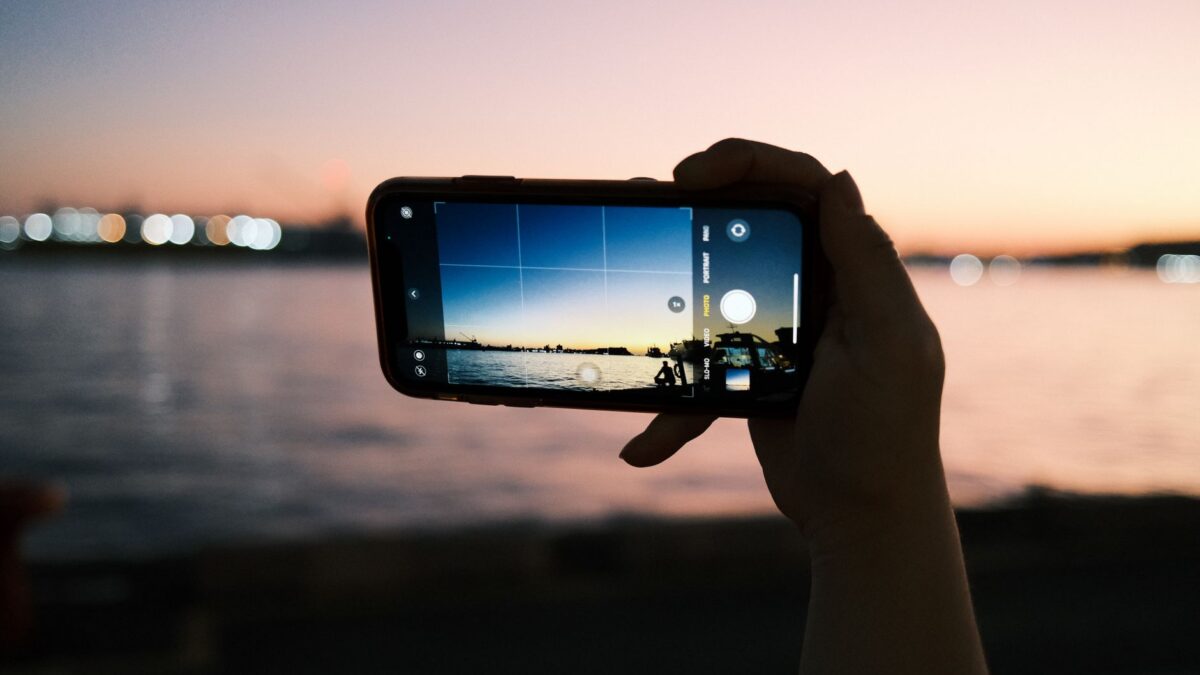
Film director Rian Johnson has released Chromagraph Camera, a $13 iOS app that skips part of Apple’s photo processing and gives iPhone shots the same color treatment used on his movies. Johnson built it with Steve Yedlin, the cinematographer on all of his films, and the app spread quickly on social media after Johnson posted about it on Oct. 28, 2026.
Johnson is the writer and director behind Star Wars: The Last Jedi, Looper and the Knives Out films. According to GSMArena, a friend of the pair, Eric Cameron, also helped make the app.
How Chromagraph works
A standard iPhone photo goes through Apple’s own image processing before you see it. Chromagraph instead records RAW data, the unprocessed information from the camera sensor, and runs it through the color pipeline Johnson and Yedlin use for film work.
Several years ago, Yedlin began writing color grading scripts meant to give digital footage the look of celluloid, The Verge reported. Those tools were later applied to Johnson’s still photos, which led to the idea of doing the same thing on a phone. Johnson told The Verge he kept asking Yedlin whether it could work for iPhone pictures.
The default result is warm, with golden tones, soft glow around bright highlights and some grain. GSMArena said the app adds part of that noise on purpose and does not apply artificial sharpening.
Settings and editing tools
The app keeps its controls short. In settings you can choose how images are saved, the aspect ratio (including a wide 2.39:1 cinema frame), the default lens, export format and compression quality. The Verge also lists maximum exposure time, burst mode and color tuning.
Photos are stored inside the app as RAW files, with an option to save a JPEG copy automatically. After shooting, you can adjust:
- exposure, contrast, shadows and highlights
- white balance and saturation
- film grain and halation, a soft glow around bright areas
- crop, which stays reversible because the RAW file keeps the full sensor image
You can also import RAW photos you have already taken and process them through Chromagraph, which makes it an editor as well as a camera.
What it means for iPhone photographers
Modern phone photos tend to look sharp, bright and clinical, and getting a different look has usually meant shooting RAW and editing each picture by hand. Johnson said he went through Snapseed and third-party RAW apps before deciding he wanted one app that did the processing for him.
Apple has added film, grain and halation settings to the iPhone 18 Pro, and Google added a Camera Looks panel to the Pixel 11. The Verge noted that these built-in tools give less control than starting from a RAW file.
GSMArena tested Chromagraph on the iPhone 18 Pro and found it works best in sunlight and high-contrast scenes. Under indoor lighting, especially fluorescent tubes, the warm default can look odd, and you may need to tune it toward cooler colors. Colors are also muted by default, so food and clothing can look flat unless you raise saturation.
The reviewer also reported practical problems: a small button for returning to the viewfinder, the app forgetting which lens you last used, and a viewfinder that sometimes loaded slowly or not at all. Halide and Mood remain options for people who want clean RAW files to edit themselves.
What happens next
The Verge described the app as early, with some settings placed in unexpected spots. GSMArena said Chromagraph has received regular updates since Johnson first posted about it, so some of the interface issues may already be fixed.