Phone Battery Draining Fast? Real Causes and Fixes for iPhone and Android
Find out why your phone battery drains fast and how to fix it, from battery health and screen settings to background apps, updates, signal and heat.
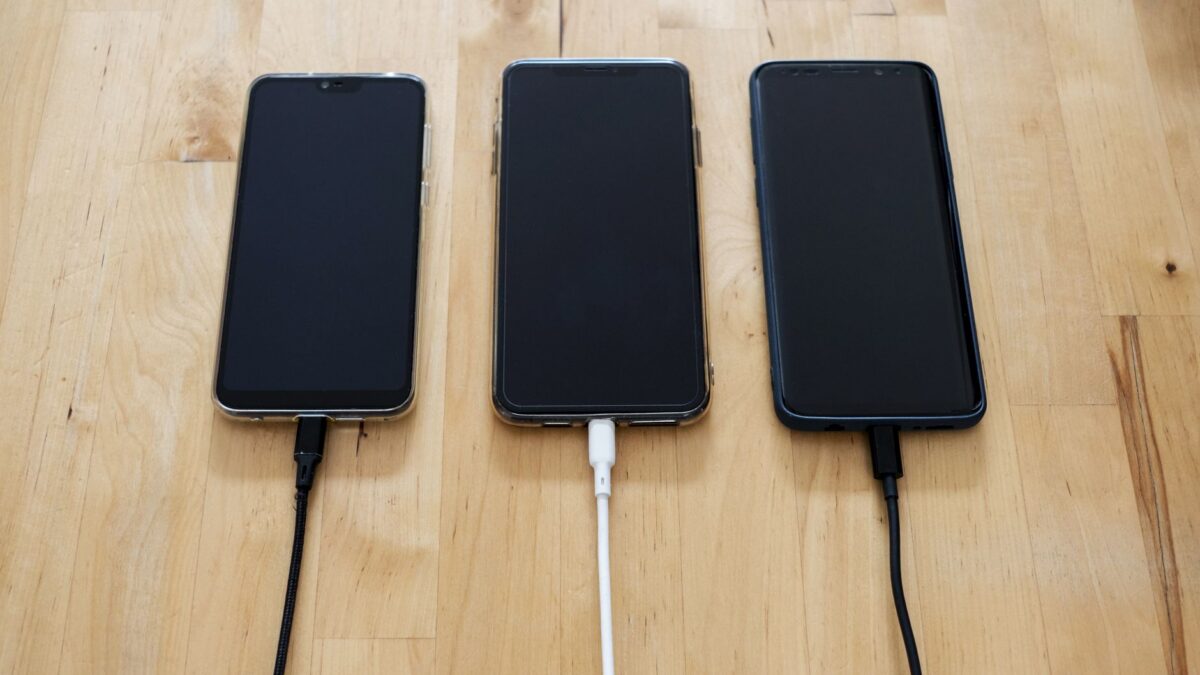
A phone battery that drains fast is usually caused by a bright or always-on screen, apps running in the background, poor signal, a recent update that is still indexing, or an aging battery. Start with the free fixes: check which apps use the most power, lower screen brightness, restart the phone and install updates. If that does not help, battery health is the next place to look.
Check what is using power
Both systems show battery use by app.
- iPhone: go to Settings, then Battery. Scroll to see usage by app over the last 24 hours or 10 days.
- Android: go to Settings, then Battery (or Battery and device care on some phones), then Battery usage. Menus differ by brand.
The screen is typically the largest consumer. An app that stands out with high background use deserves a closer look.
Fix background activity
- Limit background refresh. On iPhone, turn it off for apps you do not need under Settings, General, Background App Refresh. On Android, set unneeded apps to restricted or optimized battery use under the app’s battery settings.
- Review location access. Set apps to While Using instead of Always.
- Turn off notifications you do not need. Each one can wake the screen.
- Update or remove problem apps. A buggy app can keep the processor busy, so install updates or uninstall it.
Swiping away apps from the app switcher does not usually save power, since phones freeze background apps anyway.
Adjust the screen
- Lower brightness or use automatic brightness.
- Shorten screen timeout to 30 seconds or one minute.
- Use dark mode on phones with OLED screens, where dark pixels use less power.
- Reduce the refresh rate on Android phones that offer 120 Hz, if you can tolerate it.
- Turn off always-on display if you do not need it.
Check signal and connections
A phone in a weak signal area works harder to hold a connection and uses more power. If you often have low signal, Wi-Fi calling can help. Turn off Bluetooth, Wi-Fi scanning, hotspot and NFC when you are not using them. Airplane mode in a dead zone saves charge.
If Bluetooth devices are a problem, see our guide to fixing Bluetooth pairing problems, because a device that keeps retrying a failed connection can add drain.
Restart and update
Restart the phone to clear stuck processes. After a major system update or after restoring a phone from backup, the phone may run photo analysis, app indexing and other tasks for a day or two, and the battery can drain faster during that time. If drain continues after a few days, install the newest update, since fixes for battery bugs are common.
Check battery health
Batteries wear with use. As capacity falls, a phone that once lasted a day may need a charge by afternoon. On iPhone, open Settings, Battery, Battery Health and Charging to see maximum capacity. Our guide to checking your iPhone’s battery health explains what the numbers mean. Many Android phones show battery health in Settings, or in a device care app, though it depends on the brand and model.
If the battery is worn, a replacement from the maker or an authorized repair provider is the safe option. Avoid cheap batteries from unknown sellers, since a poor battery can swell or overheat.
Heat and cold
Batteries drain faster and charge worse in extreme conditions. Do not leave the phone in a hot car, direct sun or under a pillow while charging. In cold weather, battery percentage can drop quickly and recover when the phone warms up. A thick case can trap heat while charging.
Last resorts
- Turn on low power mode (iPhone) or battery saver (Android) to cut background activity.
- Back up your data, then reset settings (not the whole phone) to clear a misconfigured option.
- As a final step, factory reset after a backup. See how to factory reset an Android phone safely.
If the battery swells, the phone gets very hot, or the case bulges, stop using and charging it and contact the maker or a repair provider.
Quick answers
Is it bad to charge overnight?
Modern phones stop charging when full, and many have features that slow charging to 80% overnight. Avoid heat while charging.
Do battery-saving apps help?
Usually not. The built-in battery settings do the same job without extra apps that use power themselves.
Should I close all my apps?
Generally no. Reopening apps from scratch can use more power than leaving them paused.
How long should a phone battery last?
It varies with use, but many batteries lose noticeable capacity after a couple of years of daily charging. Check battery health if your phone is older.