Bluetooth Not Connecting? How to Fix Pairing on iPhone, Android, Windows and Mac
Most Bluetooth failures are fixed by forgetting the device and re-pairing from scratch. Here's how to do that on every platform, plus what to try when it still won't connect.
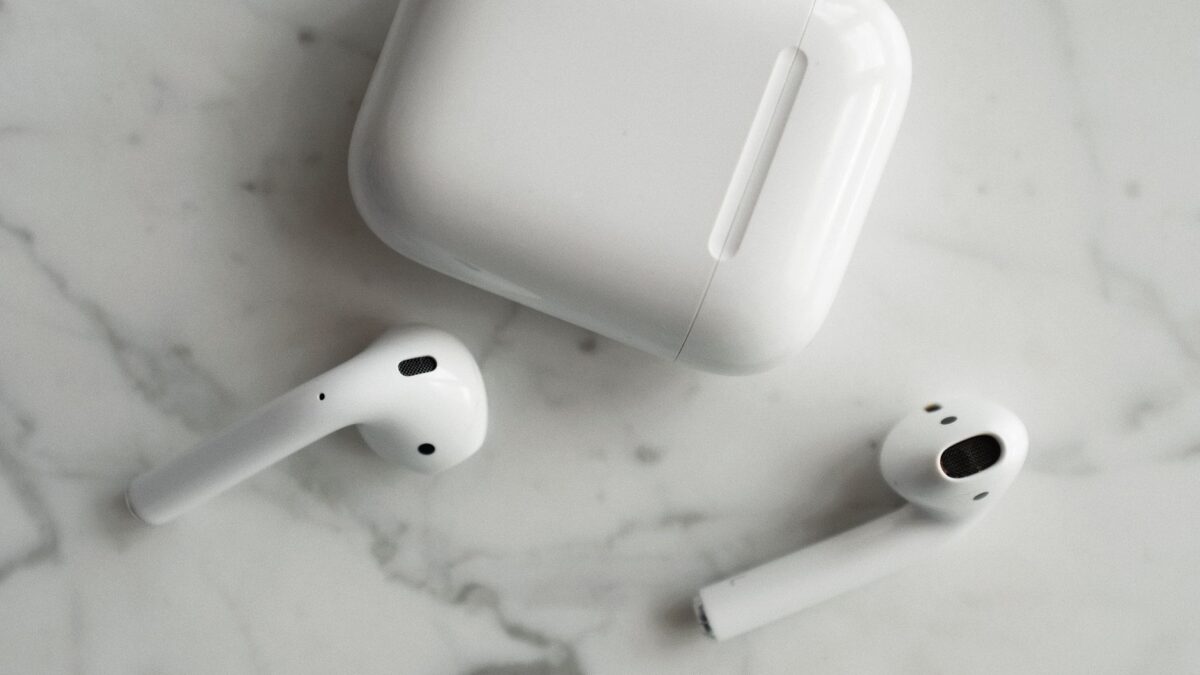
When a Bluetooth device won’t connect, the fix that works most often is to forget (unpair) it on your phone or computer, reset the accessory, and pair it again from scratch. Before that, make sure the accessory is charged, in pairing mode, close by, and not still connected to another phone, tablet or laptop.
Below are the general checks, then exact steps for iPhone, Android, Windows and Mac.
Start with these checks
- Charge the accessory. Earbuds, controllers and keyboards often refuse to pair on a low battery.
- Turn Bluetooth off and on on your phone or computer, then restart the device if that doesn’t help.
- Put the accessory in pairing mode. Many earbuds enter it when you open the case and hold a button; check the manual for the exact gesture and light pattern.
- Disconnect it from other devices. Many headphones automatically reconnect to the last phone or laptop they used, which blocks a new connection. Turn off Bluetooth on those devices temporarily.
- Move closer. Stay within a few feet during pairing, with no walls or bodies in between.
Forget the device and pair again
iPhone and iPad
- Go to Settings > Bluetooth.
- Tap the info (i) button next to the device.
- Tap Forget This Device and confirm.
- Put the accessory in pairing mode and select it under Other Devices.
Android (Pixel and most phones)
- Go to Settings > Connected devices (on Samsung, Settings > Connections > Bluetooth).
- Tap the gear icon next to the device.
- Tap Forget or Unpair.
- Choose Pair new device (or scan on Samsung) with the accessory in pairing mode.
Windows 11
- Open Settings > Bluetooth & devices > Devices.
- Click the three-dot menu next to the device and choose Remove device.
- Click Add device > Bluetooth and select the accessory.
Mac
- Open System Settings > Bluetooth.
- Hover over the device, click the info (i) button, and choose Forget This Device.
- Put the accessory in pairing mode and click Connect when it appears.
Reset the earbuds or headphones
If re-pairing fails, reset the accessory itself. This clears its memory of old pairings. The method differs by brand:
- AirPods: Put them in the case, open the lid, and hold the setup button (or tap the front of the case on some newer models) until the status light flashes amber, then white.
- Most other earbuds: A long press on both earbuds or a case button, often 10 to 15 seconds, resets them. The manufacturer’s app or support page lists the exact steps.
- Game controllers and keyboards: Often have a small pairing or reset button.
After a reset, forget the device on your phone or computer again before re-pairing. If you’re shopping for new earbuds, our guide to noise-cancelling earbuds explains multipoint, which lets one pair connect to two devices at once.
Windows-specific fixes
- Run the troubleshooter. Microsoft recommends the automated Bluetooth troubleshooter in the Get Help app on Windows 11. On many builds, Settings > System > Troubleshoot > Other troubleshooters still lists it or hands you off to Get Help.
- Check that Bluetooth exists and is on. If the Bluetooth toggle is missing from Quick Settings, the adapter may be disabled or its driver missing. Check for Bluetooth in Device Manager.
- Update the driver. In Device Manager, right-click the Bluetooth adapter and choose Update driver, or get the latest driver from your PC maker’s support site. Also install pending updates in Settings > Windows Update, including optional driver updates.
- USB dongles: Plug the adapter into a port on the front of the PC or use a short USB extension so it isn’t hidden behind a metal case.
Microsoft’s Fix Bluetooth problems in Windows page covers more cases. If you’re connecting a controller specifically, see our guides to Xbox controller problems on PC and PlayStation controllers on Windows.
Mac-specific fixes
- Make sure macOS is up to date in System Settings > General > Software Update.
- Unplug USB 3 hubs and drives near the Mac to test; some poorly shielded USB 3 devices interfere with 2.4 GHz signals.
- Restart the Mac with the accessory switched off, then turn the accessory on and pair it.
Reduce interference
Bluetooth shares the crowded 2.4 GHz band with Wi-Fi, microwaves, some baby monitors and wireless cameras. Dropouts that happen in one room but not another point to interference.
| Symptom | Likely cause | Try this |
|---|---|---|
| Won’t appear in the list | Not in pairing mode, or connected elsewhere | Re-enter pairing mode; turn off Bluetooth on other devices |
| Pairs, then fails to connect | Stale pairing record | Forget on both sides, reset accessory, pair again |
| Audio cuts out when you walk around | Range or body blocking signal | Keep the phone on the same side as the earbud; move closer |
| Stutters near the router or microwave | 2.4 GHz interference | Move away; switch your Wi-Fi to 5 GHz if possible |
| Laptop can’t find anything | Driver or disabled adapter | Device Manager, driver update, troubleshooter |
Bottom line
Charge the accessory, disconnect it from other devices, and then forget it and pair again. If that fails, reset the accessory to factory settings. On Windows, run the Bluetooth troubleshooter and update the adapter driver. If the accessory won’t pair with any phone or computer even after a reset, it’s likely faulty and worth a warranty claim.
FAQ
Why does my Bluetooth say “connected” but there’s no sound?
Your phone or PC may be sending audio to a different output. Check the audio output picker (Control Center on iPhone, the volume panel on Android, Sound settings on Windows) and select the headphones.
Can I connect two Bluetooth headphones at once?
Some phones support sharing audio to two sets, such as Audio Sharing on iPhone with compatible AirPods and Beats, or dual audio on some Samsung phones. Support varies by model.
How do I know if my earbuds are broken?
If they won’t pair with any device after a full factory reset and a full charge, the hardware is the likely culprit.
Does Bluetooth version matter for connecting?
Bluetooth is backward compatible, so newer and older devices can pair. Newer versions mainly improve range, efficiency and audio features.