How Long Do Phones Get Updates? Support Years by Brand (and How to Check Yours)
Update promises now range from two years to seven. Here's what each major brand commits to, what the fine print means, and how to look up your own phone.
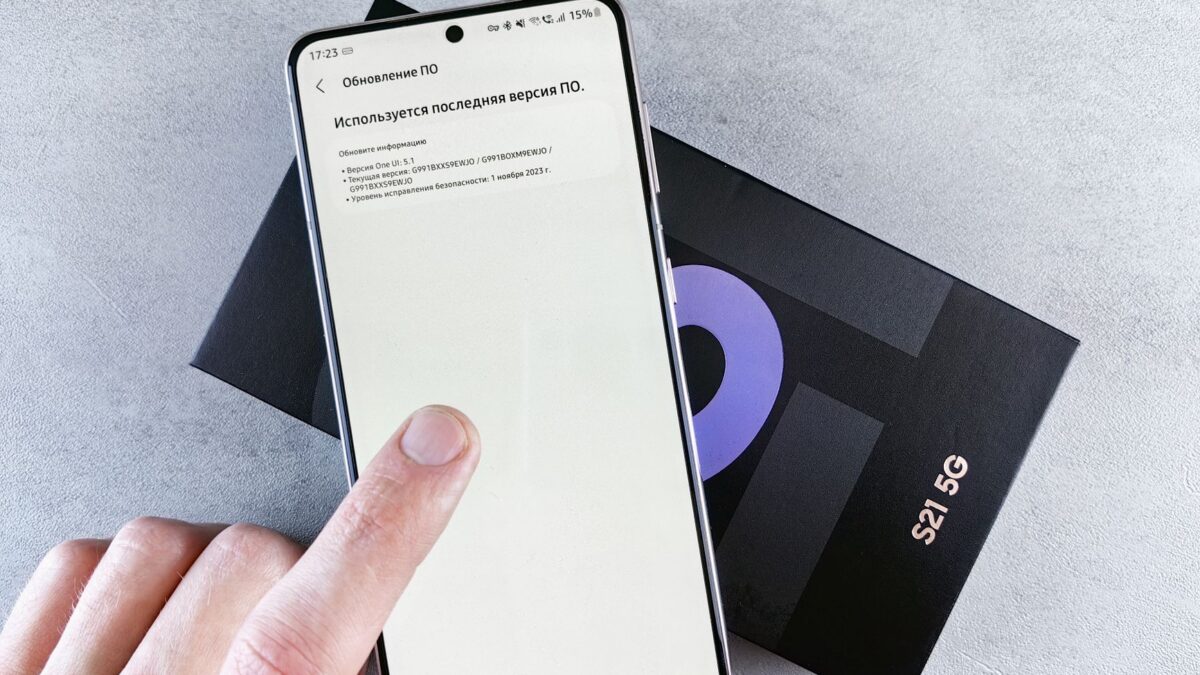
Current flagship phones from Google and Samsung get seven years of Android and security updates, and Apple commits to at least five years of security updates for iPhones while typically supporting them longer. Other Android brands range from about three to seven years depending on the model. To check your own phone, look up its exact model on the maker’s support page; the steps are below.
Why update years matter
Two kinds of updates keep a phone useful:
- Operating system (OS) upgrades bring new features and a new version number, such as Android 17 or iOS 27.
- Security updates patch vulnerabilities that attackers could use to take over the phone or steal data. These matter more than new features.
Once a phone stops receiving security updates, it keeps working, but newly discovered flaws stay open. Banking and payment apps may also eventually stop supporting very old OS versions. That’s why support length is worth checking before you buy, and why you should install updates when they arrive. Our guide on whether to install phone updates right away covers timing.
Update policies by brand
These are the makers’ stated policies as of October 2026. Promises are counted from a model’s launch, not from the day you buy it, and they can change for future models, so always confirm on the official page for your specific phone.
| Brand | Which models | OS upgrades | Security updates |
|---|---|---|---|
| Apple | iPhone (all current models) | No fixed number; recent iOS versions have supported iPhones for 6–7 years | At least 5 years from first sale (Apple’s stated minimum) |
| Pixel 8 and later, including “a” models | 7 years | 7 years | |
| Pixel 6 and 7 series | 5 years (extended from the original promise) | 5 years | |
| Samsung | Galaxy S24 and later, recent Z Flip/Z Fold | 7 years | 7 years |
| Samsung | Recent upper-midrange A models (e.g., A56, A57, A36, A37) | Up to 6 Android upgrades | About 6 years |
| Samsung | Budget A and M models | Varies, often fewer | Varies by model |
| OnePlus | Recent flagships (OnePlus 13, 15 and their “R” models) | 4 | 6 years |
| Nothing | Phone (3) | 5 | 7 years |
| Motorola | Varies widely by line | Often 2–3 on Moto G and Edge; more on some premium models | Often 3–5 years; check each model |
Two notes on this table. First, Apple’s iOS 27, released in September 2026, still supports the iPhone 11 from 2019, so real-world iPhone support has been longer than the five-year floor. Second, budget Android phones are where policies vary most, sometimes even within the same brand, so check the exact model number rather than the series name.
In the European Union, ecodesign rules that took effect in 2025 also require phone makers to keep providing OS updates for several years after a model stops being sold there. That’s an EU requirement, and US models aren’t covered by it, although many brands use the same policy worldwide.
How to check your phone’s update end date
Google Pixel
- Open Settings > About phone and note the model name.
- Visit Google’s Pixel update schedule page, which lists a guaranteed update date for each Pixel model.
- To see your current patch level, go to Settings > Security & privacy > System & updates (wording can vary slightly by Android version).
Samsung Galaxy
- Open Settings > About phone and note the model name and model number.
- Check Samsung’s security updates page, which groups models into monthly, quarterly and biannual update tiers. A model that disappears from the list is no longer receiving scheduled patches.
- Your current patch date is under Settings > About phone > Software information > Android security patch level.
iPhone
- Go to Settings > General > About to see your model name and iOS version.
- Go to Settings > General > Software Update. If your iPhone can’t install the newest major iOS version, it may still get security-only updates for an older version for a while.
- Apple lists every security update and the devices it covers on its Apple security releases page.
Other Android phones
On most Android phones, go to Settings > About phone (or Settings > System > About) and look for Android security update or security patch level. If that date is more than a few months old and no update is offered, search the maker’s official site for its update policy for your model.
What to do when support ends
- Keep using it carefully for a short while, but avoid sideloading apps and be extra wary of links in texts and emails.
- Keep apps updated from the Play Store or App Store; browsers and messaging apps often get fixes after the OS stops.
- Plan a replacement. A refurbished phone from a recent generation can give you years of support for less money; see our guide to refurbished vs renewed vs used phones.
- Erase it properly before selling or recycling. Our Android factory reset guide covers the steps.
Buying tips
- Buy close to a model’s launch to get the most remaining support years.
- A cheaper phone with a long promise can outlast a pricier one with a short promise.
- Carrier-sold Android phones sometimes get updates a little later than unlocked versions, but they follow the same overall support period.
Bottom line
Seven years is now the standard for Pixel and Galaxy flagships, Apple supports iPhones for at least five years and usually longer, and budget Android phones vary the most. Check the exact model on the maker’s official page before you buy, and look at your phone’s security patch date every few months to make sure updates are still arriving.
FAQ
Does the update clock start when I buy the phone?
No. Support periods are counted from when the model first launched, so buying a two-year-old model leaves you with fewer years.
Is it safe to use a phone that no longer gets updates?
It will still work, but new security flaws won’t be fixed. For banking, work email and payments, a supported phone is the safer choice.
Do iPhones get updates longer than Android phones?
Not anymore across the board. Apple has a long track record, but Google and Samsung now promise seven years on current flagships, which matches or exceeds typical iPhone support.
Why does my phone show an old security patch date?
Check for a pending update in Settings first. If none is available, your carrier may be delayed, or the model may have moved to a less frequent schedule or reached end of support.