Gifts for Gamers by Platform: PS5, Switch 2, Xbox and PC
Buy the right gift for a gamer by checking their platform first. Covers PS5, Switch 2, Xbox and PC accessories, subscriptions and gift card mix-ups.
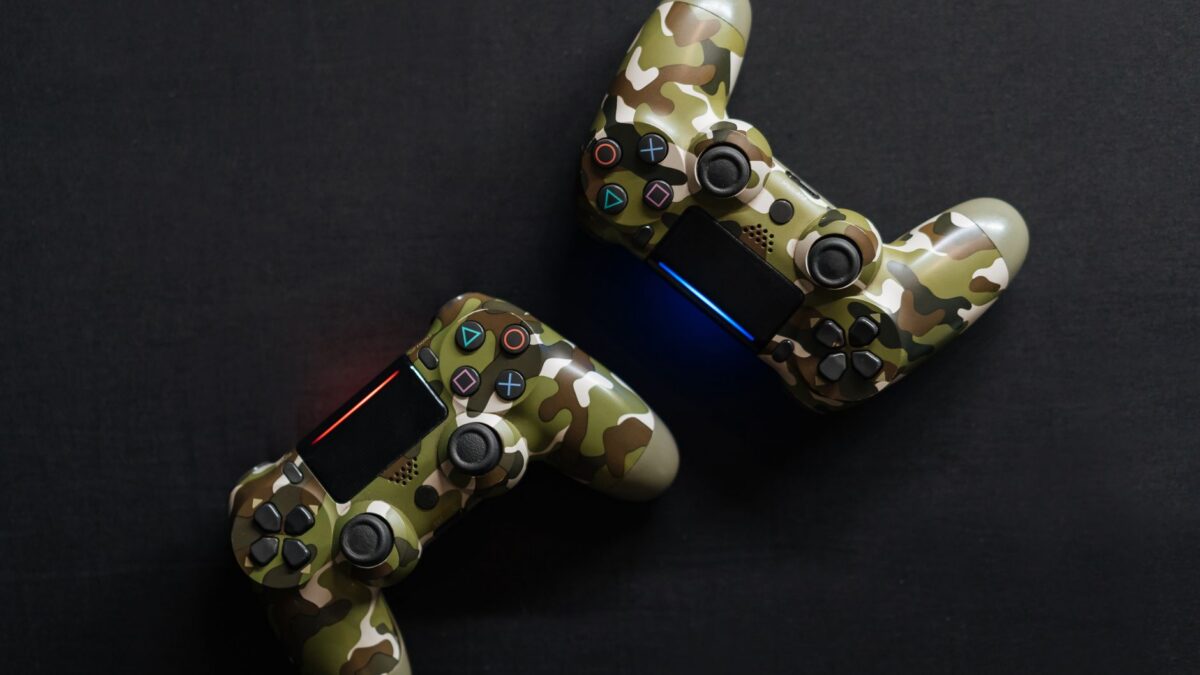
The safest gift for a gamer is one that matches the console or PC they already own, so find out the platform before you buy anything. Accessories, games and gift cards are tied to a specific system, and the most common mistake is buying a PlayStation card for an Xbox player or a game for the wrong region. When you cannot ask directly, look at what is plugged into their TV, or pick a gift that works across platforms.
How do I find out which platform a gamer uses?
Check the console itself. A PS5 has a white shell with a black center, an Xbox Series console is a black or white box, and a Switch 2 is a tablet-style handheld with detachable controllers. Look at the game shelf as well, since cases carry platform logos on the spine.
If the gift is a surprise, ask a family member or friend, or ask the gamer which friends they play online with. Some people own two or three systems, so also ask which one they use most. If you are still deciding which system to buy for someone, our guide on which game console to buy compares the options.
What are good gifts for each platform?
PS5
- An extra DualSense controller for couch co-op games.
- A headset with a wired or wireless connection that the PS5 supports.
- Extra storage, if the console is running out of space. Check Sony’s own guidance on which drives work, because only certain internal drives fit the expansion slot.
- A charging stand for controllers.
Switch 2
- A Pro-style controller for players who mostly use the console on the TV.
- A carrying case and screen protector for handheld play.
- A microSD Express card for extra storage. Older microSD cards used by the first Switch may not work, so read the console’s listing before buying.
- A game cartridge, but check whether it is made for Switch 2 or the original Switch.
Xbox
- An extra wireless controller, which also works on most Windows PCs.
- A headset or a charging dock for controller batteries.
- Storage expansion made for the Xbox Series consoles, which is sold in proprietary formats.
PC
- A gaming mouse, keyboard or mouse pad.
- A headset with a microphone that connects by USB or the standard headphone jack.
- A controller. Xbox controllers work with Windows, and many PlayStation and Nintendo controllers work through Bluetooth or USB with some setup.
- A larger or faster SSD, after checking the interface the PC supports.
For smaller budgets, tech gifts under $50 lists chargers and other useful accessories that suit almost any gamer.
Are subscriptions or gift cards better than physical gifts?
They are good when you do not know which accessories a person owns, and they are easy to deliver. Each store sells its own card for its own platform: PlayStation Store cards for PlayStation, Nintendo eShop cards for Nintendo, Microsoft or Xbox cards for Xbox and the Microsoft store, and wallet cards for stores like Steam. Cards usually cannot be moved from one store to another.
Subscriptions follow the same rule. PlayStation Plus, Xbox Game Pass and Nintendo Switch Online are separate services with different tiers, and each works on its own platform. Read the plan name and the length on the card. A one-month code is a very different gift from a twelve-month one, and a tier that adds extras costs more than the basic tier.
How do I avoid buying the wrong gift card or game?
- Confirm the platform and the store the person uses, not just the console brand.
- Check the region. Many gift cards are tied to a country, and a card bought for one region may be rejected by an account set to another.
- For games, look for the platform name and version on the case, such as PS5 or Switch 2, since a PS4 disc and a PS5 version of the same title can be separate products.
- For digital codes, buy from the official store or a major retailer. Be wary of unusually cheap cards from unknown sellers, which are a common scam route.
- Keep the receipt. Opened digital codes usually cannot be returned.
Prices of consoles can also change before the holidays, which affects budget gifts. A recent example is covered in our report on the Xbox Series X price rise.
What if I do not know what they own?
Pick something that works everywhere. A good headset with a standard 3.5 mm plug and USB connection fits most consoles and PCs, a power bank or USB charger suits handheld play, and a general retailer gift card lets the gamer choose. The rule is to avoid anything with a platform logo unless you are sure of the platform.
If the person plays on a handheld PC, such as a Steam Deck, the gift ideas are different again. Our explainer on handheld gaming PCs covers what they use. For official compatibility and store information, check the manufacturers directly, such as PlayStation, Xbox and Nintendo.
Quick answers
Can I use a PlayStation gift card on Xbox?
No. Each card is tied to its own store, and the code will not work on another platform’s store.
Is a controller a safe gift?
Yes, if it is made for the right system. An Xbox controller also works on many PCs, but a controller for one console usually will not work on another.
Should I buy a game on disc or digital?
Ask which they prefer. Some consoles come in a digital-only version with no disc drive, so a disc would be useless there.
What should I check before buying a digital code?
Check the platform, the region and the exact product name. Keep the receipt, because many stores will not refund a code once it has been revealed or redeemed.