Computer Maintenance You Can Do Yourself: 8 Jobs That Skip the Shop
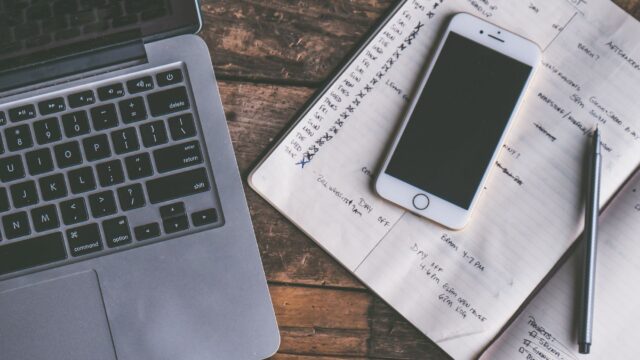
Most computer maintenance is safe to do at home: cleaning dust, updates, storage cleanup, backups and battery care. See the steps and when to call a pro.
Windows, Mac and Chromebook guides: buying advice, upgrades, speed-ups, security and what to do when support ends.
Most computer maintenance is safe to do at home: cleaning dust, updates, storage cleanup, backups and battery care. See the steps and when to call a pro.
Google Authenticator has no official Windows app. See safe ways to get two-factor codes on a PC, from password managers to passkeys and security keys.
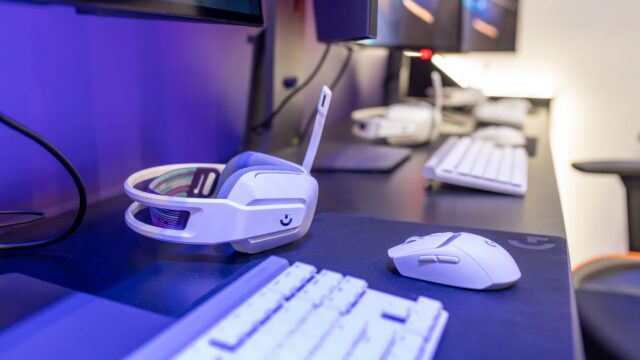
Razer Synapse usually comes back after a service restart, a direct USB port or a clean reinstall. Fixes for when it won't open or detect your device.
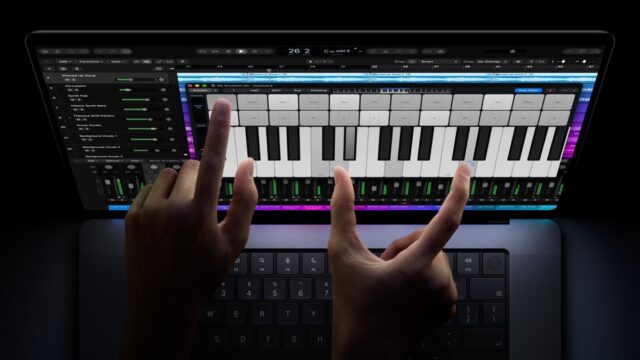
Reviewers call the MacBook Pro with PROLED XDR Display's OLED screen the best on a laptop, but the touchscreen is basic and prices start at $2,899.
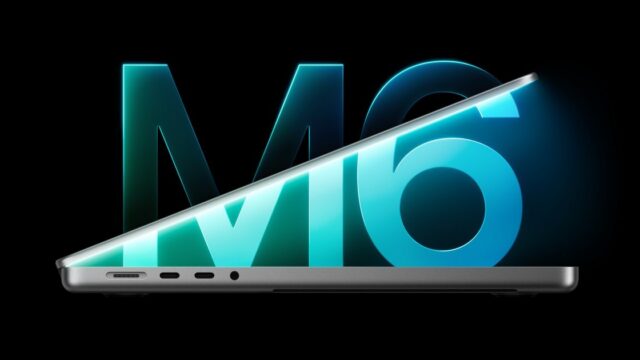
Apple iMac M6 reviews agree the chip is much faster, but TechRadar and Engadget split on value and the small 24-inch screen. Here is who should buy.
A plain comparison of Chromebooks and budget Windows laptops under $300 for school, browsing and streaming, with a checklist of specs to look for in a sale.
For most home users Microsoft Defender is enough when combined with updates and safe habits. Here is what it covers and when paid antivirus can still help.
Shortcuts for full-screen, window and area screenshots on every major computer, plus where the files go and how to grab a whole webpage.
Spec sheets are full of jargon. Here's what actually matters when buying a laptop, the minimum specs worth paying for, and what each budget gets you.
Your Windows 10 PC still works, but it needs a plan. Here's how ESU, the Windows 11 upgrade and the alternatives compare, step by step.
We use analytics cookies to see which articles are read. No ads cookies. Privacy policy