Roku vs Fire TV vs Google TV vs Apple TV: How to Choose
Pick the streaming device that matches your phone, your apps and your TV. Roku vs Fire TV vs Google TV vs Apple TV compared on apps, ecosystem and TV fit.
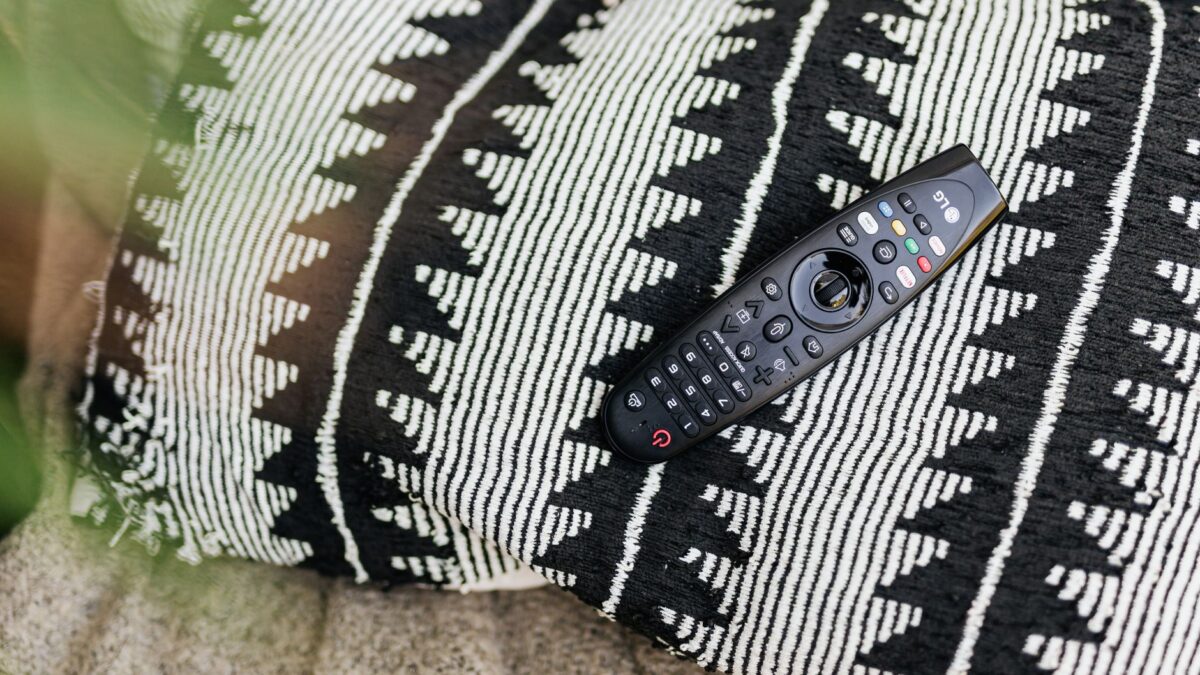
The best streaming device is the one that matches the phone you carry, the apps you watch and the TV you own. Apple TV suits iPhone households, Google TV suits Android users and people who want one watchlist, Fire TV suits Prime Video and Alexa users, and Roku suits anyone who wants the simplest screen and the widest, most neutral app selection.
All four platforms run Netflix, YouTube, Disney+, Max and the other big services. The differences sit in the home screen, the voice assistant, how well the device works with your phone and how much the box slows down after a few years.
Do I need a streaming device if my smart TV already has apps?
Often yes, because the software built into a TV usually gets fewer updates than a dedicated device. Many smart TVs already run Roku, Fire TV or Google TV software, so you may only need to add a faster stick or box. A separate device also moves with you: you can plug it into a new TV later and keep your logins, settings and channel list.
What does each platform do best?
- Roku has a plain grid of channels, a simple remote and no tie to a phone or shopping ecosystem. Its home screen carries ads, but it is quick to learn and works on many TV brands.
- Fire TV puts Amazon content at the front, works closely with Alexa and fits homes that use Echo speakers and Ring cameras. Expect recommendations for Prime Video throughout the menus.
- Google TV builds a watchlist from several services and uses Google Assistant. Chromecast support is built in, so you can send video from a phone, and it runs the Android app library.
- Apple TV runs tvOS, pairs smoothly with iPhone, iPad and Mac, supports AirPlay and plays well with Apple Home. It is the most polished and usually the most expensive of the four.
Which one works best with my phone?
iPhone owners get the most from Apple TV: AirPlay mirrors photos and video, the Apple TV remote lives in Control Center, and purchases and subscriptions follow your Apple Account. Android users get the matching experience from Google TV, with casting and Google Assistant. Roku and Fire TV work with both kinds of phone through their own apps, which act as remotes and can send simple voice commands.
If you keep family pictures in the cloud, check how they show up on the TV. Our comparison of Google Photos and iCloud Photos covers the sharing and storage side, which affects whether a photo screensaver on the TV is easy to set up.
Which apps and services should I check first?
List the services you pay for and confirm each one is in the device’s app store before you buy. Mainstream services are on all four platforms. Smaller services, local channels, sports apps and regional services are where gaps appear, so look up the exact app on the maker’s channel or app store page. Amazon’s own devices are the only place some Amazon features appear in full, and Apple TV is the only device with every Apple TV and Apple Music feature.
Sign-ins are tedious on a TV. A password manager lets you read long passwords on your phone and type them, or scan a code that signs you in from the phone.
What should I check about my TV and home network?
Match the device to the TV’s ports and picture features:
- Any of these players needs an HDMI port. Sticks plug in directly, boxes use a cable.
- Check for 4K, HDR10, HDR10+ and Dolby Vision support on the TV and on the device. A device can play formats that your TV cannot show, in which case it falls back to a simpler picture.
- Check for Dolby Atmos if you have a soundbar. The player, the TV connection and the soundbar all need to support it.
- Use Ethernet when you can. A wired connection avoids buffering that Wi-Fi sometimes causes in rooms far from the router.
If you only want a basic HD picture on an older TV, a cheap stick on any platform is enough. A faster box matters more on a large 4K TV where you want quick menus and high-quality streams.
Which one is best for kids, privacy and ads?
All four have profiles and parental controls. Apple and Google let you set limits through the family accounts on your phone, Amazon has Amazon Kids settings, and Roku has content controls through the account. Set a PIN for purchases on whichever device you choose. Every platform collects viewing data and shows some promotion on the home screen. Review the privacy and personalization settings in each device’s menu soon after setup, and the maker’s own support pages explain the options for Roku, Apple and Google.
Fire TV also runs on Fire tablets in a different form. If you are also shopping for a tablet, see our guide to choosing between iPad, Galaxy Tab, Pixel Tablet and Fire.
Quick answers
Which streaming device is best for most people?
Roku is the safest default for people with no strong phone loyalty, and the device that matches your phone ecosystem is the best pick for everyone else.
Do I pay a monthly fee to use these devices?
No. You buy the device once. Subscriptions to services such as Netflix or Disney+ are separate and billed by those companies.
Can I switch devices later without losing my apps?
Yes. Apps and subscriptions are tied to your service accounts, so on a new device you reinstall the apps and sign in again.
Is a cheap stick enough?
For a small or older TV, yes. On a large 4K TV, a faster stick or box gives snappier menus and more format support.