How to Cancel Amazon Prime (Website, App, Free Trial) and Get a Refund
Ending Prime takes a few clicks, but the refund you get depends on whether you've used any benefits. Here's how to cancel and what to check first.
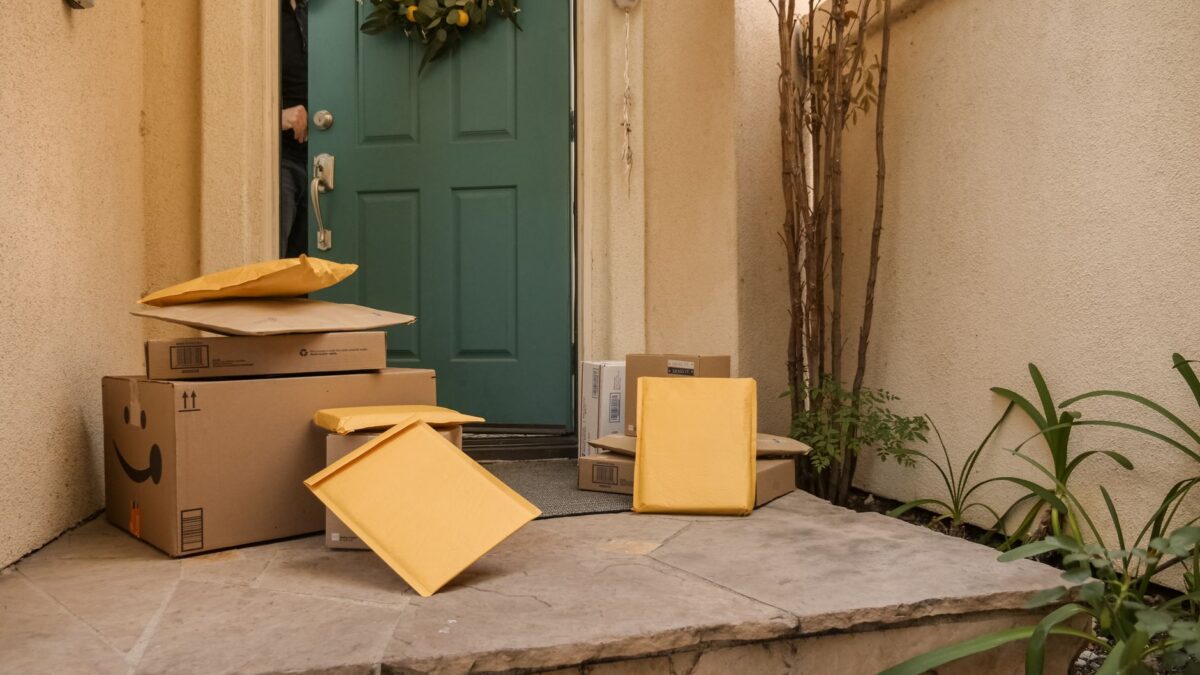
To cancel Amazon Prime, sign in at Amazon.com, go to Account & Lists > Prime Membership (on some accounts it’s under Memberships & Subscriptions), choose Manage or Update, cancel and more, then select End membership and confirm on the screens that follow. If you haven’t used any Prime benefits since your last charge, you are generally eligible for a full refund of that charge.
Amazon changes its button labels from time to time, and you may see one or two “are you sure?” offers along the way. Keep clicking through to the final confirmation, then look for the confirmation email.
Before you cancel: a quick checklist
- Check your renewal date. If you’re on an annual plan and it renews soon, cancelling now may get you a better refund than waiting.
- Note any Prime Video channels. Add-on channel subscriptions are billed separately and may continue after Prime ends. Cancel them on their own if you don’t want them.
- Download anything you need. Prime Video downloads and Prime-included content (such as Prime Reading titles) stop working when the membership ends. Content you bought outright stays in your library.
- Check who else uses it. If you share benefits through Amazon Household, other members lose Prime benefits too.
- Find out who bills you. If you signed up through a phone carrier, Google Play or another partner, you may need to cancel with them instead.
How to cancel Amazon Prime on the website
- Go to Amazon.com and sign in.
- Hover over Account & Lists and choose Prime Membership (or open Your Account > Memberships & Subscriptions).
- Select Manage or Update, cancel and more.
- Select End membership (it may appear as Cancel membership).
- Click through the confirmation screens. Amazon may offer a reminder or a switch to monthly billing instead; choose the option to continue cancelling.
- On the final screen, you may be offered a choice to end now or at the end of your billing period. Pick the one you want and confirm.
Amazon’s official instructions are on its Cancel Your Prime Membership help page.
How to cancel in the Amazon Shopping app
- Open the Amazon Shopping app and tap the profile icon.
- Tap Your Account, then look for Memberships & subscriptions or Manage Prime membership.
- Tap Manage membership, then End membership.
- Follow the confirmation screens to the end.
Menu names in the app vary slightly between iPhone and Android versions. If you can’t find the option, use the search bar at the top of the app and type “Prime membership.”
How to end a free trial
Ending a trial works the same way: follow the steps above, and the button will usually say End trial or End free trial. You typically keep Prime benefits until the trial’s end date and won’t be charged. Just make sure you finish the confirmation, because a trial that isn’t fully ended converts to a paid membership automatically.
If you’re worried about forgetting, you can cancel on day one of the trial and still use the benefits until the trial period ends.
Will you get a refund?
Amazon’s refund rules depend on whether you, or anyone in your Amazon Household, used Prime benefits since the most recent charge. Amazon’s help pages and terms have described it this way, though wording has varied between versions:
| Your situation | What to expect |
|---|---|
| No Prime benefits used since the last charge | Generally a full refund of that charge |
| Some benefits used | Possibly a partial refund, depending on usage and the time left in the period; in some cases no refund |
| Free trial | No charge if you end it before it converts |
| Prime paid with a gift or promotional code | Usually not refundable |
| Signed up through a third party (carrier, Google Play) | Refunds handled by that company |
“Benefits” include things like free Prime shipping on an order, Prime Video streaming and other Prime perks, so even a single Prime-shipped order can affect the refund. The cancellation screens usually show the refund amount before you confirm. Amazon says refunds typically take a few business days to appear.
Note: In 2025 Amazon settled a Federal Trade Commission case over how Prime sign-ups and cancellations worked, agreeing to clearer disclosures and an easier way to cancel. If the process ever feels confusing, the official help page is the reliable route.
What happens to Prime Video when you cancel?
Prime Video is included in Prime, so streaming of Prime-included titles stops when your membership ends. A few things carry on:
- Movies and shows you bought or rented remain in your library.
- Prime Video channels you subscribed to separately may keep billing. Check them under your account’s subscriptions and cancel if needed.
- The ad-free add-on, which Amazon rebranded as Prime Video Ultra in 2026, depends on Prime. If you only want fewer ads, dropping that add-on (around $5 a month as of October 2026) and keeping Prime is one option.
Cheaper alternatives to cancelling
- Switch billing period. Prime costs about $15 a month or $139 a year as of October 2026. Annual is cheaper if you’ll use it all year; monthly is better if you only need Prime around big sales or holidays.
- Check discounted programs. Amazon offers reduced pricing for eligible students and for people receiving certain government assistance.
- Use it seasonally. Some people subscribe for one month around holiday shopping and cancel afterward.
If you’re dropping Prime because shipping isn’t worth it anymore, our list of alternatives to Amazon may help. And if you’re trimming several subscriptions at once, see how to lower your streaming bill.
Bottom line
Cancel from Account & Lists > Prime Membership > End membership on the website or the matching option in the app, and click through every confirmation screen. You’re most likely to get a full refund if you haven’t used any benefits since your last charge. Remember to cancel separate Prime Video channels too, and download anything you’ll miss first.
FAQ
Can I cancel Prime and keep it until the end of the month?
Usually yes. The final screen often lets you choose to end on your renewal date, so you keep benefits until then.
Why do I still see a Prime charge after cancelling?
It may be a charge from before you cancelled, a Prime Video channel billed separately, or a membership billed through a partner. Check your account’s memberships and subscriptions page.
Does cancelling Prime delete my Amazon account?
No. Your account, order history and purchased digital content stay. You just lose Prime benefits.
Can I rejoin later?
Yes. You can sign up again at any time, though you may not be eligible for another free trial.