Home Security Camera Privacy: Cloud vs Local Storage, Encryption and Safe Setup
A security camera should protect your home, not expose it. Here's how storage, encryption, placement and account settings affect your privacy.
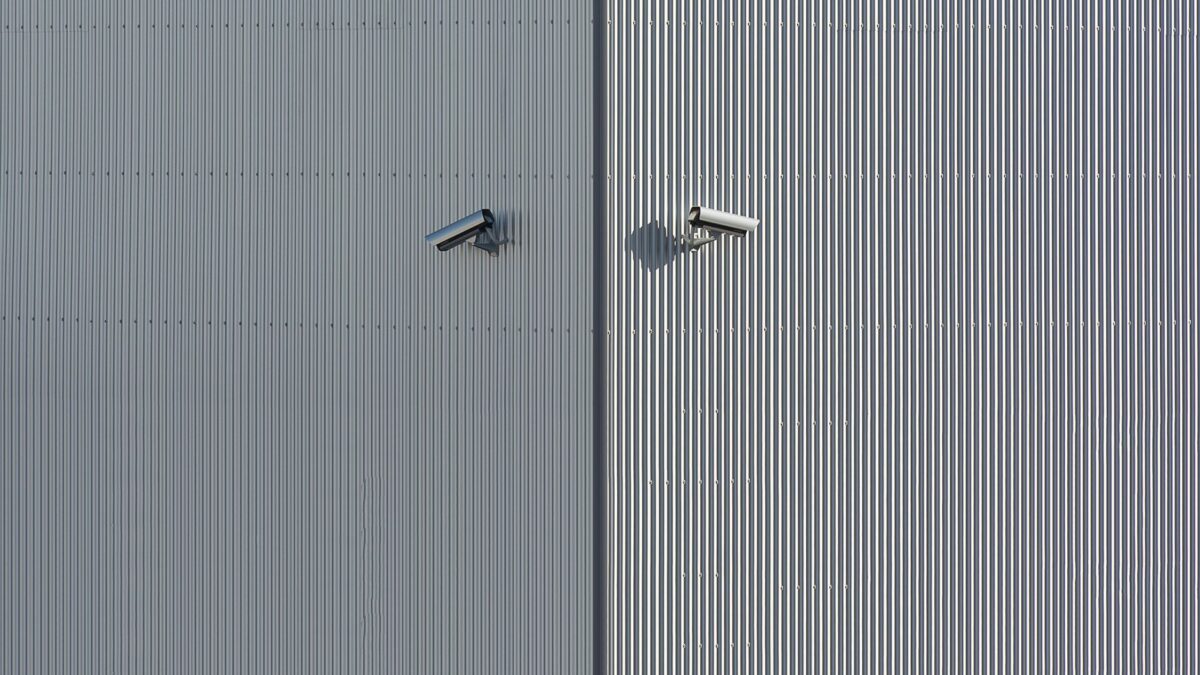
The most private home camera setup combines three things: footage stored locally or with end-to-end encryption turned on, an account protected by a unique password and two-factor authentication, and cameras aimed only at your own property. Indoor cameras deserve extra care: keep them out of bedrooms and bathrooms, and use a privacy mode or physical shutter when you’re home.
Cloud vs local storage
Where your video lives decides who could, in theory, get to it and what happens if the camera is stolen or the company changes its terms.
| Cloud storage | Local storage (microSD, hub, NVR) | |
|---|---|---|
| Where clips go | The manufacturer’s servers | A card in the camera, a home base station or a network video recorder |
| Ongoing cost | Usually a monthly or yearly subscription | Usually none after buying storage |
| If a thief takes the camera | Footage is already saved off-site | Footage may go with it unless stored on a hidden hub |
| Privacy | Depends on encryption and company policies | Stays at home, but remote viewing may still route through the cloud |
| Smart features | Often needed for person, package or vehicle alerts | Some brands do detection on the device |
Many people use a hybrid: local recording for everything, with cloud backup for important events. Check whether a camera still records, and still lets you watch clips, if you don’t subscribe. Some brands lock basic features like video history behind a plan.
Subscriptions: what you’re actually paying for
Camera plans typically range from a few dollars a month for one camera to around $10 to $20 a month for whole-home coverage, with prices changing regularly. They usually add some combination of:
- Video history (often 30 to 60 days, or continuous recording on higher tiers)
- Person, package, vehicle or animal detection
- Activity zones and rich notifications with snapshots
- Professional monitoring on some plans
Before buying hardware, read the brand’s plan page and note which features need a subscription. Over three to five years, the subscription can cost more than the cameras.
End-to-end encryption: what it means and who offers it
Almost every camera encrypts video while it travels and while it’s stored. End-to-end encryption (E2EE) goes further: video is encrypted on the camera and can only be decrypted on your own phone or computer, so the company can’t view it.
- Ring offers opt-in end-to-end encryption in the Ring app’s Control Center. Turning it on disables some features that rely on the company processing your video, such as certain smart alerts and viewing on some devices. In 2026 Ring also began rolling out a separate default encryption approach; check the app’s Control Center for what applies to your account.
- Apple HomeKit Secure Video analyzes video on a home hub (Apple TV, HomePod or iPad) and stores it end-to-end encrypted in iCloud. It requires a compatible camera, a home hub and an iCloud+ plan.
- Other brands vary and change their features over time. Search the brand’s support site for “end-to-end encryption” and check exactly which models and features are covered.
The trade-off is usually convenience: with E2EE on, you may lose web viewing, shared access for some users, or AI detection features.
Secure the account: the step that matters most
Most camera privacy incidents involve account takeovers, often from reused passwords, rather than broken encryption. Do this on every camera account:
- Set a unique, long password. A password manager makes this painless.
- Turn on two-factor authentication, ideally with an authenticator app or passkey rather than SMS. See our guide to setting up two-factor authentication.
- Review shared users in the app and remove anyone who no longer needs access.
- Check the list of authorized devices or active sessions and sign out of old phones and tablets.
- Keep firmware automatic updates on.
- Secure your Wi-Fi with WPA2 or WPA3 and a strong router admin password. If your router supports it, put cameras on a guest or IoT network.
Avoid very cheap, unknown-brand cameras that require you to open router ports or that haven’t received firmware updates in years.
Placement and legal basics
Laws vary by state and city, so this is general information, not legal advice. Some broadly applicable principles:
- Video of your own property, including areas visible from public places like your front yard, is generally allowed.
- Don’t point cameras into places where people expect privacy, such as a neighbor’s windows, backyard or bathroom. Use the app’s privacy zones to black out parts of the view.
- Audio is stricter than video. Recording conversations can fall under wiretapping laws, and some states require consent from everyone in the conversation. If in doubt, turn off audio recording, especially on outdoor cameras near sidewalks.
- Renters should check their lease before mounting cameras on the building. Hosts on rental platforms must follow those platforms’ rules, which generally ban indoor cameras.
- Household members and guests, including babysitters and cleaners, should know where indoor cameras are.
Indoor camera habits
- Use geofencing or schedules so indoor cameras turn off when you’re home.
- Prefer models with a physical lens cover or a privacy mode that visibly moves the lens.
- Keep cameras out of bedrooms and bathrooms entirely.
- Review your saved clips occasionally and delete what you don’t need.
Requests from police
Policies on sharing footage with law enforcement differ by company and have changed over time. Read your brand’s law-enforcement or transparency page to understand when it may share video, whether you’re notified, and how to opt out of community request features if they exist. End-to-end encrypted footage can’t be handed over by the company because it can’t decrypt it.
Bottom line
Pick a camera whose storage and subscription terms you’re comfortable with for years, turn on end-to-end encryption if your system supports it and you can live with the trade-offs, and lock down the account with a unique password and two-factor authentication. Aim cameras only at your own space, mask neighbors’ areas with privacy zones and think twice before recording audio.
FAQ
Can someone hack my security camera?
It’s possible, most often through a reused password. A unique password, 2FA and current firmware block the most common attacks.
Do I need a subscription for a security camera?
Not always. Many cameras record locally to a card or hub, but some lock video history and smart alerts behind a plan. Check before you buy.
Is it legal to record my neighbor’s yard?
Incidental views from your property are usually fine, but deliberately recording private areas can break laws. Use privacy zones and check your local rules.
Does end-to-end encryption slow down my camera?
Generally not noticeably, but it can disable some features, such as certain smart alerts or viewing from a web browser.