iMessage Not Syncing Between iPhone, iPad and Mac: Fixes That Work
iMessage stops syncing when devices use different Apple Accounts or addresses, or when Messages in iCloud is off. Here is how to check each setting.
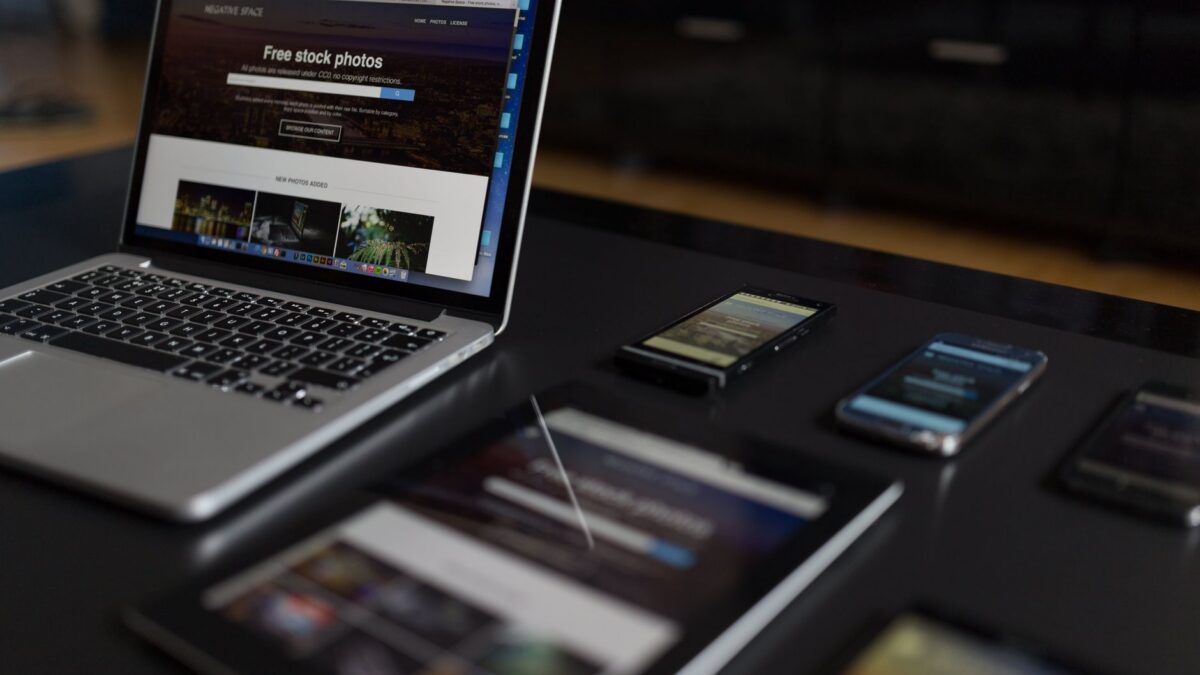
iMessage stops syncing between an iPhone, iPad and Mac for three common reasons: the devices are signed in to different Apple Accounts, they send and receive from different phone numbers or email addresses, or Messages in iCloud is turned off on one of them. Checking those three settings on every device fixes most cases. If the missing messages are green SMS texts rather than blue iMessages, the fix is Text Message Forwarding on the iPhone.
Why do my messages show up on one device but not the other?
Each device only receives the conversations sent to the addresses it has registered for iMessage. Your iPhone usually receives messages sent to your phone number. A Mac or iPad signed in only with an email address will miss any message someone sends to that number, and the reverse is also true.
Messages in iCloud adds a second layer. With it on, your whole message history, deletions and read status are stored in iCloud and kept the same across devices. With it off, each device keeps its own copy, so older threads and anything you deleted on one device can look different on another.
How do I check that all devices use the same Apple Account?
Open Settings on the iPhone and iPad and tap your name at the top; the Apple Account email appears there. On a Mac, open System Settings and click your name in the sidebar. Then check the account inside Messages itself:
- iPhone and iPad: Settings, then Messages (on newer versions, Settings, then Apps, then Messages), then Send & Receive. The account is shown at the top or bottom of that screen.
- Mac: open Messages, choose Messages in the menu bar, then Settings, then the iMessage tab.
If one device shows a different account, sign out of iMessage on that device and sign back in with the account the others use.
Which addresses should be ticked in Send & Receive?
Tick the same phone number and email addresses on every device. On the iPhone, the screen under Send & Receive has a section for addresses you can be reached at and a separate setting for starting new conversations. Choose your phone number for new conversations on all devices, so the person you text sees one thread instead of two.
On a Mac, the same list sits in the iMessage tab of Messages settings, with a menu labeled “Start new conversations from.” If your phone number is missing on the Mac or iPad, the iPhone has not shared it yet. Turning iMessage off and on again on the iPhone, while signed in to the same Apple Account, usually makes the number appear on the other devices within a few minutes.
How do I turn on Messages in iCloud?
Messages in iCloud has to be on for every device that should share history.
- On iPhone or iPad, open Settings, tap your name, then iCloud. Find Messages in the list of apps (you may need to tap Show All) and turn on the switch for syncing this device.
- On a Mac, open Messages, go to Settings, then the iMessage tab, and select Enable Messages in iCloud.
- On the Mac, click Sync Now on the same tab to start the first sync.
The first sync can take a long time if you have years of messages and photos. It runs faster when the iPhone is connected to Wi-Fi and to power, and the iCloud storage on your account must have room for the message history.
Why are green SMS texts missing on my Mac and iPad?
SMS and MMS messages arrive through your carrier, so only the iPhone receives them directly. To pass them to other devices, open Settings on the iPhone, go to Messages, then Text Message Forwarding, and turn on each Mac or iPad in the list. If the list is empty, check that all devices use the same Apple Account in iMessage. The iPhone has to be on and connected for forwarding to work; if it is off, those texts reach the other devices only after it comes back online.
What else should I try if syncing still fails?
- Check the network. iMessage needs Wi-Fi or mobile data on every device; on the iPhone, make sure Messages is allowed to use mobile data.
- Check the date and time. Turn on Set Automatically in Date & Time settings on each device, because a wrong clock can break the sign-in with Apple’s servers.
- Update the software. Install the latest version of iOS, iPadOS and macOS available for each device, since syncing works best when they are close in version.
- Restart all devices. A restart clears a stuck sync more often than people expect.
- Turn iMessage off and on. Do it on the device that is out of step, wait a minute and turn it back on.
- Check Apple’s status. The System Status page on Apple Support shows whether iMessage or iCloud has a known outage.
Before you change settings that reset Messages, make a copy of the phone. The steps in our guide on backing up an iPhone to a Mac or Windows PC work even when Messages in iCloud is on.
When should I contact Apple?
Contact Apple Support if the phone number never appears on your other devices after you have signed out and back in, or if the iPhone shows “Waiting for activation” for more than a day. Activation errors sometimes need the carrier to confirm that the number can receive the short verification text Apple sends. If you are worried that someone else may be signed in to your account and reading messages, review the device list under your name in Settings and remove anything you do not recognize; our article on what really protects an iPhone or Mac covers the account settings that matter more than antivirus apps.
Quick answers
Does iMessage sync without Messages in iCloud?
New iMessages still arrive on every device signed in to the same account and address, but older history, deletions and read status are not kept the same across devices.
Why does my Mac show a separate thread for the same person?
The messages went to different addresses, one to your phone number and one to your email. Set your phone number under “Start new conversations from” on every device.
Will turning off Messages in iCloud on one device delete my messages?
No. Apple offers to download the history to that device first, and the other devices keep their copy in iCloud.