How to Set Up a New iPhone: Quick Start, eSIM and iCloud Restore
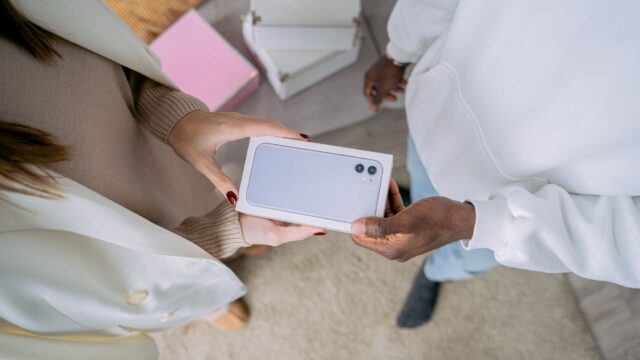
Set up a new iPhone by holding the old one nearby for Quick Start, moving your eSIM, and restoring from iCloud. Then change the first settings below.
Set up a new iPhone by holding the old one nearby for Quick Start, moving your eSIM, and restoring from iCloud. Then change the first settings below.
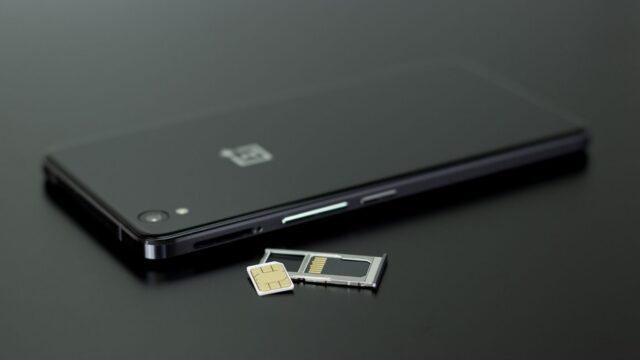
No tray, no tiny plastic card: an eSIM lives inside your phone. Here's how to set one up, move it to a new phone and use one abroad.
A travel eSIM can cut your data costs abroad to a fraction of a daily roaming pass. Here's how to set one up without losing your home number.
Porting a number to a new carrier usually takes minutes to a day. The key is not cancelling your old plan first and having the right PIN ready.
We use analytics cookies to see which articles are read. No ads cookies. Privacy policy