Apple Watch Showing the Wrong Hour After the Clock Change? Here Is Apple’s Fix
Apple says some watches show the old hour on the Always On display after daylight saving time ends. Switching watch faces or restarting the watch fixes it.
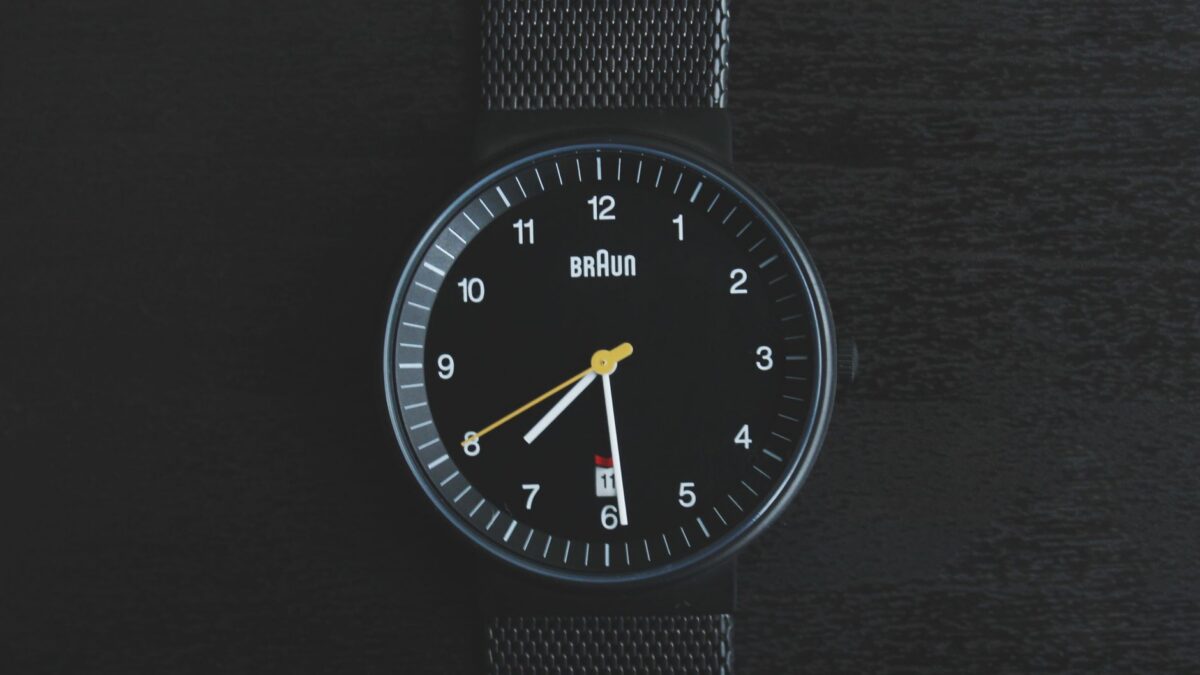
If your Apple Watch seems to be an hour off after the clocks changed, Apple has published a support document with a simple fix. The company says the wrong time shows up only on the Always On display, the dimmed screen you see while your wrist is down. Switching to a different watch face and back again, or restarting the watch, should correct it.
What Apple says is happening
According to MacRumors, which reported on the support document, the problem affects watches that continue to show time off by one hour after daylight saving time changes. Apple describes the symptom narrowly. In its words, the incorrect time appears “only on the Always On display when your wrist is down.” When you tap the screen or raise your wrist to wake it, the time changes to the correct hour.
That means the watch is not actually keeping the wrong time. Alarms, timers and other features are not described as affected in the report. Only the dimmed display shows the stale hour.
How to fix it
Apple lists two steps, and you only need to try the second if the first does not work:
- Change the watch face. Switch to another watch face, then switch back to the one you normally use.
- Restart the watch. If changing faces does not help, turn the watch off and on again.
Neither step needs a computer or a reset of your settings. The report does not give a permanent software fix or say when one might arrive.
Not the first time this has come up
MacRumors says it previously covered Apple Watch owners in Europe who ran into a similar problem when clocks went back there a couple of weeks ago. In the United States, clocks went back across most of the country on Sunday, November 1, so more owners may notice it now.
Why it matters for you
An hour’s difference on a watch you glance at all day can be confusing, and it is easy to assume the watch has lost its time setting. Knowing that the real time appears as soon as the screen wakes up helps you avoid unnecessary steps like unpairing the watch or changing time zone settings. If you rely on the Always On display for quick checks in a meeting or while driving, the face-switching trick takes a few seconds.
It is also a reminder that small software glitches tend to cluster around time changes. If you see any odd behavior on other devices, a restart is often the first thing worth trying.
What is still unknown
The sources do not say how many watches are affected, which models or software versions show the issue, or whether Apple plans an update to prevent it the next time clocks change. If the fix does not work for you, Apple’s support channels are the place to ask. For now, the workaround is the one Apple has published.
Source: MacRumors