Touchscreen MacBook Pro Brings Bigger Buttons and On-Screen Gestures to macOS 27
Apple's first touchscreen MacBook Pro comes with macOS 27 tweaks: larger tap targets, trackpad gestures on the display and full touch control of the iOS simulator.
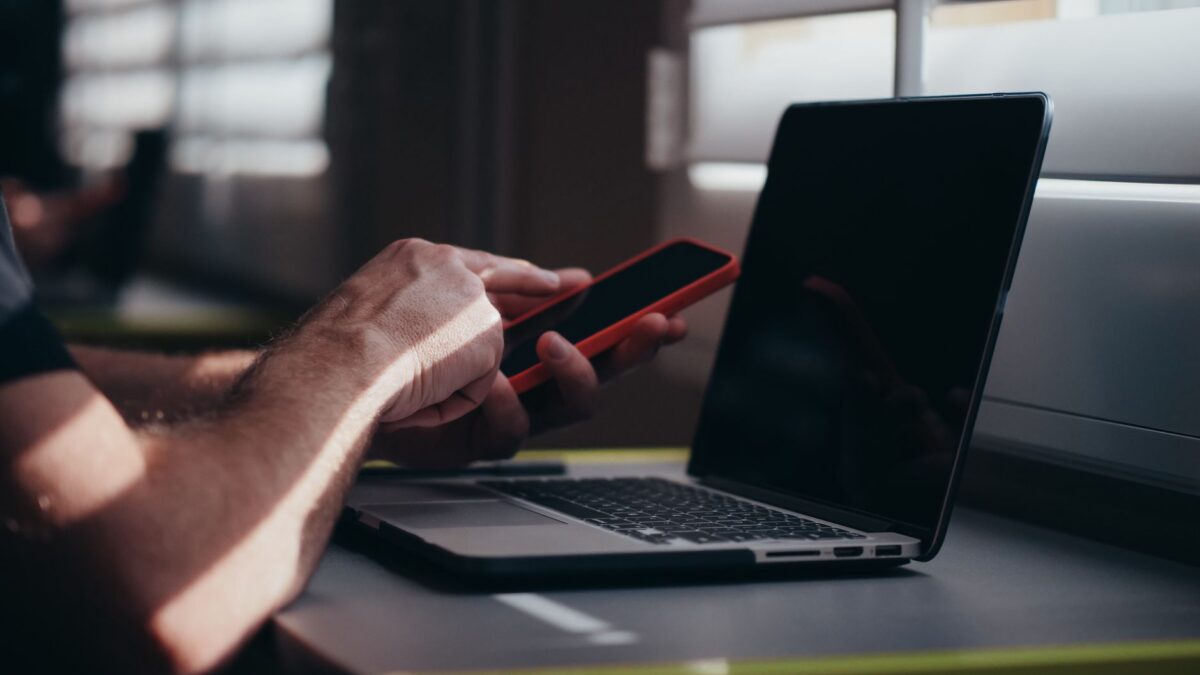
Apple has unveiled a new MacBook Pro with a touch display, the first time the company has put a touchscreen on a MacBook. To make the screen useful, macOS 27, called Golden Gate, includes a set of changes that make the interface easier to poke with a finger. Some of them arrived earlier this year, and others were revealed alongside the new laptop, according to a rundown from 9to5Mac.
Bigger targets for fingers
A mouse pointer is precise, but a fingertip is not. Apple’s answer is to enlarge the things you are most likely to tap. The three coloured “traffic light” buttons in the top-left corner of every app window, which close, minimise and expand it, grow when you touch them. That gives your finger a larger area to hit.
Menus get similar treatment. When you open a context menu from the menu bar, each item inside it becomes slightly larger for touch. Most apps that have been optimised for the touchscreen also offer larger touch targets, even where the buttons do not look any bigger on screen.
Trackpad gestures work on the display
If you already use gestures on a MacBook trackpad, you do not need to learn a new set for the screen. The same moves can be performed directly on the display. Swiping up with three fingers opens Mission Control, which shows all your open windows. Swiping sideways with three fingers switches between spaces, the separate virtual desktops on a Mac. You can also pinch to zoom and scroll a web page by dragging.
The report also says you can reach Spotlight, the Mac’s search tool, from the Dynamic Island. This works in a way similar to how iPhones handle it in iOS 27.
A boost for app developers
One change is aimed squarely at people who build apps. On the new MacBook Pro, the iOS simulator, the tool developers use to test iPhone and iPad apps on a Mac, can be operated entirely by touch. Until now, developers had to imitate touch gestures with a trackpad or mouse. Testing an app with real taps and swipes should be more natural, and it is a sensible reason for developers to take an interest in the machine.
What it means for Mac owners
Not every touch-related change is limited to the new laptop. According to the report, Apple also added pull to refresh in Safari and slightly wider spacing between menu bar items for all Macs running macOS 27. So even if you do not own the new MacBook Pro, you will see a couple of touch-friendly tweaks after updating.
For anyone weighing a purchase, the main takeaway is that Apple is not just adding a touch panel and leaving the software unchanged. The interface adjusts when you use it with a finger, which is what separates a usable touchscreen laptop from one where touch feels like an afterthought. It is still early, though, and the rundown covers only what Apple has shown so far. How well it holds up in everyday use is something reviews will need to answer.
The article also suggests the touch work is not finished. The author wonders whether touch support will eventually spread to every Mac, but that is speculation and Apple has not announced it.
What comes next
Apple says more touch optimisations for the Mac are on the way. The 9to5Mac report expects to see much more at the next WWDC, Apple’s annual developer conference. Until then, owners of the new MacBook Pro will be working with the current set: larger buttons and menus, trackpad-style gestures on the screen and touch control in the iOS simulator. If you are curious, it is worth trying the touch screen in a store before you decide how much you would use it day to day.
Source: 9to5Mac