What Is an eSIM? How It Works, Which Phones Support It, and How to Switch
No tray, no tiny plastic card: an eSIM lives inside your phone. Here's how to set one up, move it to a new phone and use one abroad.
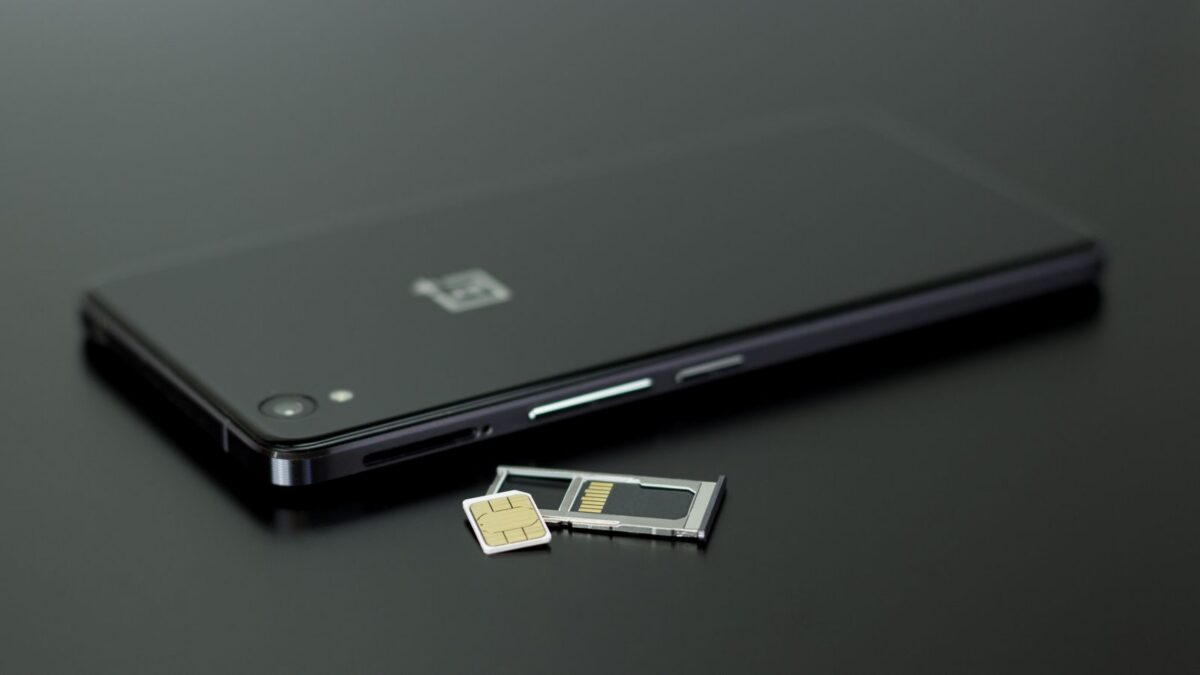
An eSIM (embedded SIM) is a SIM card built into your phone’s hardware. Instead of inserting a plastic card, you download your carrier’s profile by scanning a QR code, using the carrier’s app or transferring it from your old phone. It does the same job as a physical SIM: it tells the network who you are and which plan you’re on.
In the US, every iPhone since the iPhone 14 and Google’s Pixel 10, 10 Pro and 10 Pro XL have no SIM tray at all, so eSIM is the only option on those models.
How an eSIM works
Your phone contains a small, rewritable chip (the eUICC). When you activate service, your carrier sends a secure eSIM profile to that chip over the internet. The profile contains the same identity information a plastic SIM holds.
Because it’s rewritable, one phone can store several eSIM profiles. Current iPhones can store eight or more and keep two active at once, and the US Pixel 10 models also support two active eSIMs. That makes it easy to keep a personal and a work line, or your home line plus a travel data plan.
eSIM vs physical SIM
| eSIM | Physical SIM | |
|---|---|---|
| Setup | Download in minutes over Wi-Fi; no store visit or shipping | Insert card; may need to order or pick one up |
| Multiple lines | Several profiles stored, usually two active at once | One per tray slot |
| If your phone is stolen | Thief can’t simply pop the SIM out to use or hide the phone | SIM can be removed and used elsewhere |
| Swapping into another phone | Requires a transfer or a new profile from the carrier | Move the card in seconds |
| Travel | Buy a local or regional data eSIM before you fly | Buy a local SIM card after landing |
Which phones support eSIM?
- iPhone: iPhone XS, XR and later support eSIM. US models of the iPhone 14 and later are eSIM-only. The iPhone 17 lineup is eSIM-only in more markets, including Canada, Mexico and Japan, and the iPhone Air has no SIM tray anywhere. Elsewhere, most iPhones still have a nano-SIM tray as well.
- Google Pixel: Pixel models from the Pixel 3 on support eSIM (some early regional versions excepted). The US Pixel 10, 10 Pro and 10 Pro XL are eSIM-only; the Pixel 10 Pro Fold keeps a SIM tray.
- Samsung Galaxy: Most flagship Galaxy S, Z Fold and Z Flip models from the Galaxy S20 onward support eSIM, but support on cheaper A-series phones varies by model and carrier.
- Others: Many recent Motorola, OnePlus and other phones support it, plus cellular smartwatches, tablets and some laptops.
To check your phone: on an iPhone, look for Add eSIM under Settings > Cellular (called Mobile Data in some regions). On Android, look for an option to add or download a SIM under Settings > Network & internet > SIMs (Pixel) or Settings > Connections > SIM manager (Samsung). Your phone also has to be unlocked to use another carrier’s eSIM.
How to set up an eSIM
On an iPhone
- Connect to Wi-Fi.
- Go to Settings > Cellular > Add eSIM.
- Choose Transfer From Nearby iPhone, Use QR Code, or follow your carrier’s activation notification if it already assigned one (called eSIM Carrier Activation).
- Follow the prompts, then label the line (for example “Personal” or “Travel”) and choose which line to use for calls, messages and data.
On Android
- Connect to Wi-Fi.
- On a Pixel, go to Settings > Network & internet > SIMs > Add SIM (or Download a SIM instead?). On a Samsung, go to Settings > Connections > SIM manager > Add eSIM.
- Scan the QR code from your carrier, sign in to the carrier’s app, or choose to transfer from your old phone if offered.
- Pick which SIM to use for calls, texts and mobile data.
Apple’s official walkthrough is on its eSIM setup support page.
Switching carriers or moving to a new phone
Switching carriers with eSIM is usually faster than with a plastic SIM. Sign up with the new carrier online or in its app, request number porting, and install the new eSIM when it’s ready. The old carrier’s profile stops working once the port completes; you can then delete it from the phone.
Moving to a new phone works best within the same platform. iPhone-to-iPhone transfers happen during setup or through Settings > Cellular > Add eSIM > Transfer From Nearby iPhone, and many Android phones offer a similar transfer for supported carriers. Going between iPhone and Android usually means asking your carrier for a new eSIM, either in its app or by contacting support.
Tip: don’t delete an eSIM from your old phone until the new one shows full service. Deleting a profile doesn’t cancel your plan, but you may need the carrier’s help to get a replacement.
Travel eSIMs
A big advantage of eSIM is buying a data plan for your destination before you leave. Many companies sell country or regional data eSIMs, and some US carriers sell their own international passes. You install the travel eSIM at home, then switch your phone’s mobile data to it when you land, while keeping your regular number active for calls and texts if you want.
- Most travel eSIMs are data-only; use messaging and calling apps for calls.
- Your phone must be carrier-unlocked.
- Turn off data roaming on your home line to avoid surprise charges.
- Compare price per GB and validity days rather than headline prices.
Downsides to know about
- If your phone breaks, you can’t move the SIM to a spare phone yourself; you’ll need a new eSIM from the carrier.
- Some prepaid and smaller carriers still have clunky eSIM activation.
- Scammers try “SIM swap” tricks by convincing carriers to move your eSIM. Set a carrier account PIN and ask for port-out protection.
Bottom line
An eSIM is just a digital version of the SIM card, and for most people it’s more convenient: quicker activation, multiple lines in one phone and cheap data abroad. If you have a recent US iPhone or Pixel, you’re already using one. Keep your carrier account secured with a PIN, and don’t delete an old profile until the new one works.
FAQ
Can I use an eSIM and a physical SIM at the same time?
Yes, on phones that have both. Most dual-SIM phones let one physical SIM and one eSIM be active together.
Does an eSIM work without Wi-Fi?
Once installed, it works on the cellular network like any SIM. You generally need Wi-Fi or another data connection to download or transfer it.
Is eSIM more secure than a physical SIM?
Somewhat. A thief can’t remove it, but SIM-swap scams through your carrier are still possible, so protect your carrier account with a PIN.
Can I buy a travel eSIM for a locked phone?
No. A carrier-locked phone only accepts profiles from that carrier. Ask your carrier to unlock it if you meet its requirements.