Tech Gifts Under $50 People Use: Chargers, Trackers, Plugs
Good tech gifts under $50 include chargers, item trackers, smart plugs and earbuds. Here is what to check on each one before you buy.

The tech gifts under $50 that people use every day are a wall charger or power bank, an item tracker, a smart plug, a pair of basic earbuds and a few small accessories such as cables and stands. They work because they solve a daily annoyance and fit almost any phone. The right one depends on which phone the person owns and which ecosystem they already use.
Which chargers and power banks make a good gift?
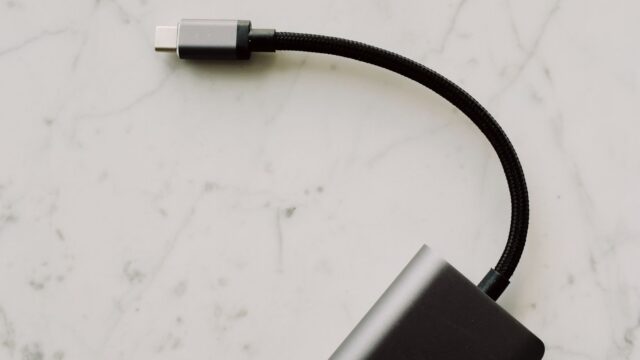
A compact wall charger with a USB-C port is the safest pick, since most current phones, tablets and earbuds charge over USB-C. Check the wattage on the box. A phone is happy with a modest charger, while a laptop or tablet charges faster with a higher-wattage one. A power bank is the other staple, and the number to compare is its capacity in mAh: bigger holds more charge but weighs more.
- Match the plug to the device: USB-C for newer phones and tablets, Lightning only for older iPhones.
- Buy from a known brand and look for safety certifications on the label.
- Skip very cheap unbranded chargers, which can overheat.
- Add a good braided cable if the person still uses a frayed one.
Do item trackers work for everyone?
Item trackers work best when matched to the recipient’s phone. Apple’s tags use the Find My network and suit iPhone owners. Android tags use Google’s network, and the site covers how Find Hub left-behind alerts for Android tracker tags work. A tag bought for the wrong phone type will not show up on the person’s map.
Good targets are keys, a backpack, a wallet or luggage. Check whether the tag has a replaceable coin battery and a hole or accessory for attaching it. Tracking someone’s belongings is a gift, but tracking a person without their knowledge is not, so give tags for objects only.
Is a smart plug worth giving?
A smart plug is worth giving when the person already has a lamp, fan or coffee maker they would like to schedule or switch on by voice. It turns a regular device on and off from an app. Before buying, confirm it works with the voice assistant the person uses, such as Alexa, Google Home or Apple Home, and that it connects to a standard 2.4 GHz home Wi-Fi network.
- Check the plug’s maximum load against what you will plug in. Space heaters and other high-power appliances are a poor fit.
- Look for a model whose app does not need many permissions.
- Choose a two-pack if you are not sure which room it will go in.
What should you look for in earbuds at this price?
Look for a secure fit, a battery life listed per charge and per case, and a charging case that uses USB-C. At this price, wireless earbuds usually give decent sound and calls, while features like strong noise cancelling are less common. A wired pair with the right connector is a reasonable alternative for people who dislike charging. Premium clip-on designs cost much more, such as the Samsung Galaxy Buds On at $229.99, which is well above this budget.
What other small tech gifts are safe bets?
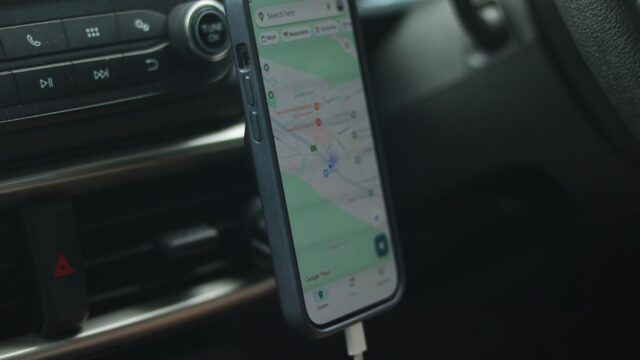
- A phone stand or a magnetic car mount.
- A multi-port USB charging station for a desk or nightstand.
- A webcam cover and a microfiber cleaning kit.
- A memory card or a small USB drive for photos and backups.
- A basic Bluetooth speaker for a kitchen or bathroom.
For younger recipients, the guide to tech gifts for teens by budget lists what to check first. If you are timing the purchase around sales, see the notes on Apple gift cards versus retailer discounts.
Quick answers
Should I include a gift receipt?
Yes. Compatibility with the recipient’s phone is the most common reason a tech gift gets returned, so a receipt makes an exchange easy.
Are cheap accessories safe?
Chargers and power banks carry the most risk because they handle mains power or lithium batteries. Buy those from established brands and check for certification marks. Cables, stands and cases carry little risk.
How do I choose if I do not know what the person owns?
Pick items that work with any device: a USB-C charger and cable, a power bank or a stand. Ask a family member about the phone model if you want a tracker or smart plug.