Create a New Apple ID on iPhone or iPad: Step-by-Step Setup
To create a new Apple ID on an iPhone or iPad, open Settings, tap Sign in, then Create Apple Account. Steps, verification and using it on other devices.
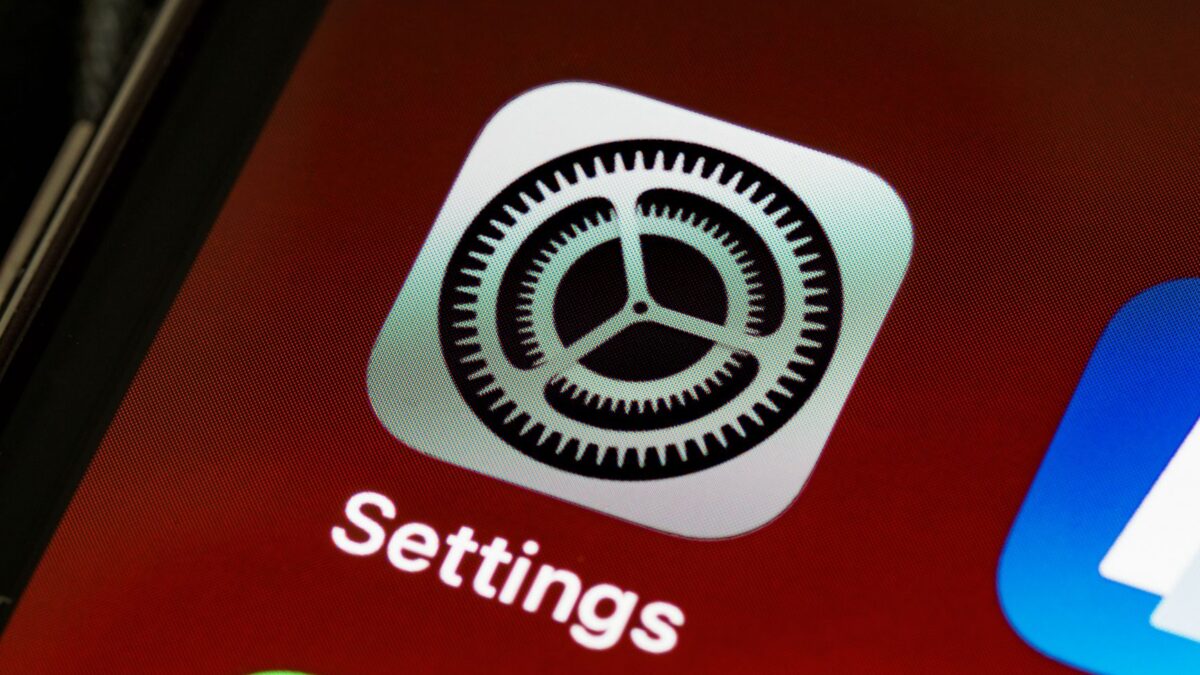
You can create a new Apple ID on an iPhone or iPad in Settings: tap the sign-in option at the top, choose to create a new account, enter your name, birthday, email address and password, then confirm your phone number and email with the codes Apple sends. Apple now calls it an Apple Account, but it is the same thing as an Apple ID, and the same login works on iPhone, iPad, Mac, Apple Watch and the web.
The steps below match recent versions of iOS and iPadOS. Menu wording shifts a little between versions, so follow the labels you see on screen.
How do I create a new Apple ID on an iPhone or iPad?
Open Settings and look at the top of the list. If the device is not signed in, you will see a sign-in line there.
- Tap Sign in to your iPhone (or iPad).
- Tap Don’t have an Apple Account? and choose Create Apple Account.
- Enter your first name, last name and date of birth.
- Choose an email address. You can use one you already own, or get a new free address ending in icloud.com if the option is shown.
- Create a strong password that you do not use anywhere else, and enter it twice.
- Enter a phone number that you can receive texts or calls on, and choose how Apple should verify it.
- Enter the verification codes sent to your phone and email.
- Agree to the terms and conditions if you accept them.
- Enter your device passcode when asked, and choose whether to merge data such as contacts and calendars from the device into iCloud.
Apple’s own instructions are on the Apple Support site, which is the place to check if a step looks different on your device.
What do I need before I start?
You need an internet connection, an email address that you can open, and a phone number for verification. Use a real date of birth: it affects account features, and some regions have age rules for children’s accounts. Children below the age set by local law usually need a child account created through Family Sharing by a parent or guardian, not a standalone Apple ID.
The email address becomes your login name, so choose one you will keep. Changing it later is possible, but a throwaway address makes recovery harder.
How do I use the new Apple ID on a device I already own?
If the device is signed in with a different account, sign out first, or keep the old one for purchases and use the new one for iCloud. Go to Settings, tap your name at the top, scroll down and choose Sign Out. Before you do, the device may offer to keep a copy of data such as contacts on the device. Read each prompt, because signing out of iCloud can remove some synced items from the phone.
To sign in with the new account on another device, open Settings, tap the sign-in option and enter the email and password. If two-factor authentication is on, a code will appear on a trusted device or arrive by text. On a Mac, the equivalent is in System Settings.
Apple lets you use different accounts for different services. Under your name in Settings, Media & Purchases controls which account is used for the App Store, Music and TV, and it can differ from your iCloud account.
Can I move purchases and data from an old Apple ID to a new one?
No. Apps, music, movies and subscriptions bought with one Apple ID stay with it, and Apple does not merge two accounts into one. If you want to keep access to old purchases, keep signing in to the old account under Media & Purchases. Your photos, contacts and notes can be copied by exporting them or by turning on iCloud sync on the new account before you sign out of the old one.
Make a backup first. Back up the device to iCloud or to a computer before you change accounts, so you can restore data if something goes wrong.
What should I set up after signing in?
Turn on two-factor authentication if it is not already active, and add a trusted phone number and a recovery contact. Check which items sync under iCloud, such as Photos, Contacts, Messages and Passwords. If messages do not sync after the switch, our guide on iMessage not syncing between iPhone, iPad and Mac lists the usual fixes. If an Apple Watch stops responding, see Apple Watch not connecting to iPhone, because the watch may need to be paired again with a different account.
Also turn on Find My under your name in Settings, which helps locate a lost device and protects it with Activation Lock.
Quick answers
Is an Apple ID free?
Yes. Creating the account costs nothing. You only pay for services you choose, such as extra iCloud storage or subscriptions.
Can I create an Apple ID without a credit card?
Yes. A payment method is not required for the account, and you can choose None when asked on the App Store sign-up screen where that option is shown.
Can I have more than one Apple ID?
Yes. Many people keep one for iCloud and one for purchases, but the same device can be signed in to only one iCloud account at a time.
What if I forget the password?
Use the password reset on the Apple Account site or the Forgot Password option on the sign-in screen. A trusted phone number or device makes recovery much easier.