How to Install Hulu on Apple TV and Fix It When It Won’t Play
Install Hulu on Apple TV from the App Store, then sign in. When the app won't open or play, restart, update and reinstall it in the order shown here.
To install Hulu on Apple TV, open the App Store on the Apple TV, search for Hulu, select Get, then open the app and sign in with your Hulu account. When Hulu will not open or play, most problems go away after you force quit the app, restart the Apple TV, update the app and tvOS, and finally delete and reinstall Hulu. If none of that helps, the cause is usually the home network or a problem on Hulu’s side.
How do you download Hulu on Apple TV?
You download Hulu from the App Store built into the Apple TV, and the app is free to install. You need a Hulu subscription to watch anything.
- From the Home Screen, open the App Store.
- Select Search and type “Hulu” with the on-screen keyboard or by voice with the Siri Remote.
- Choose the official Hulu app and select Get. If you have downloaded it before on the same Apple ID, you will see a cloud icon instead.
- Confirm with your Apple ID password, Face ID on a paired iPhone, or whatever confirmation your Apple TV asks for.
- Wait for the download to finish, then select Open, or find the Hulu icon on the Home Screen.
Search results sometimes include look-alike apps. Before you install anything, check that the developer name and the reviews match the official service. Our guide on checking whether an app is safe before you install it covers what to look for.
How do you sign in to Hulu on Apple TV?
Hulu on Apple TV gives you two ways to sign in: an activation code on another device, or your email and password typed with the remote.
- Activate on a computer or phone: choose the option to log in on another device. The TV shows a short code. Go to the Hulu activation page in a browser where you are already logged in to Hulu and enter that code.
- Log in on the TV: type your email and password with the remote. If your iPhone is nearby, it may offer to fill the keyboard for you, which is quicker.
If you forgot your Hulu password, reset it on the Hulu website first. A password manager helps here, and our guide to using Apple Passwords, Google or a third-party password manager explains how to keep streaming logins in one place.
Why won’t Hulu open on Apple TV?
Hulu usually fails to open because the app has frozen in the background, the app or tvOS is out of date, or the app’s local data is damaged. Work through these fixes in order:
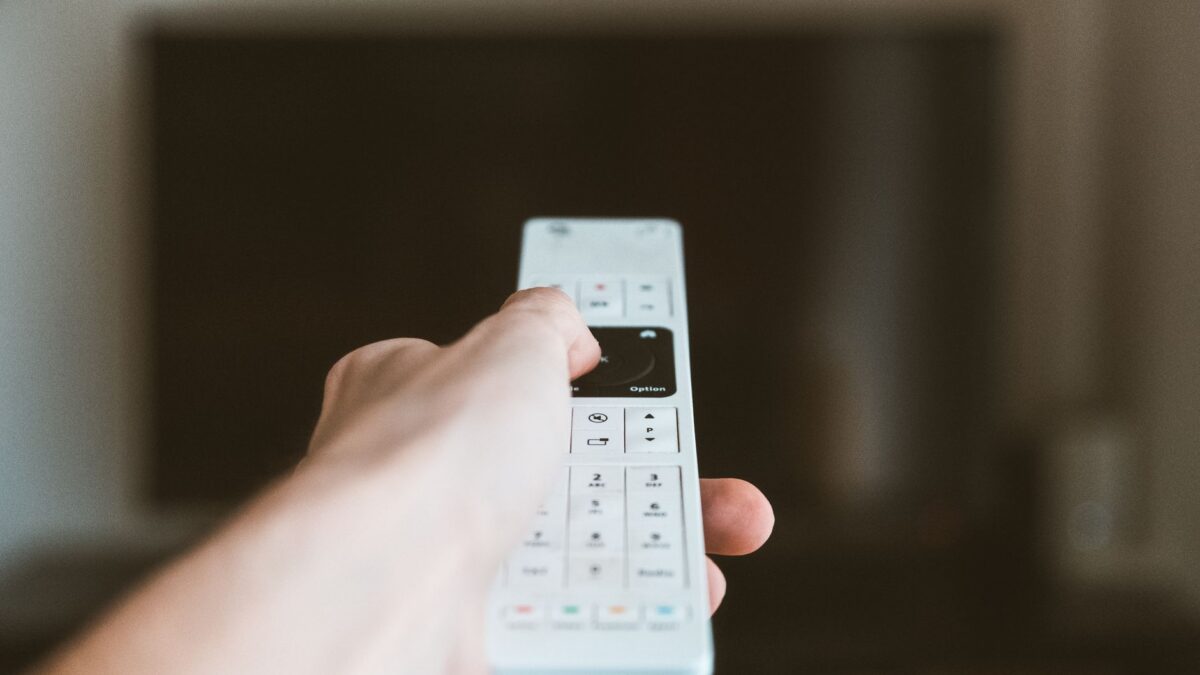
- Force quit the app. Double-press the TV (Home) button on the remote to open the app switcher, highlight Hulu, and swipe up on the clickpad to close it. Open it again.
- Restart the Apple TV. Go to Settings > System > Restart. You can also unplug the power cable, wait about 30 seconds and plug it back in.
- Update Hulu. Open the App Store, go to Purchased or search for Hulu, and install any update shown. Automatic app updates are under Settings > Apps.
- Update tvOS. Go to Settings > System > Software Updates > Update Software. Streaming apps often stop supporting older tvOS versions.
- Delete and reinstall Hulu. On the Home Screen, highlight the Hulu icon, press and hold the clickpad, and choose Delete App. Reinstall it from the App Store and sign in again.
Why does Hulu buffer or refuse to play on Apple TV?
If Hulu opens but videos buffer, stop or show a playback error, the most common causes are a slow or unstable internet connection, an outage on Hulu’s side or an account problem.
- Check the network. Go to Settings > Network to confirm the Apple TV is connected. Restart your router and modem by unplugging them for about 30 seconds.
- Use Ethernet if you can. A wired connection is usually steadier than Wi-Fi, especially for 4K streams. If you stay on Wi-Fi, move the router closer or remove obstacles between it and the TV.
- Test another app. If other streaming apps also struggle, the problem is your connection, not Hulu.
- Check for an outage. If everything else streams fine, Hulu may be having service problems. Waiting is often the only fix.
- Check your account. An expired payment, a plan that doesn’t include the show, or too many screens streaming at once can all block playback. Log in to your account on the Hulu website to see your plan and billing status.
What if Hulu shows a black screen or no sound?
A black screen with audio, or video without sound, usually points to the HDMI connection or the TV’s settings rather than the Hulu app.
- Unplug and reseat the HDMI cable at both ends, or try a different HDMI port on the TV.
- Use a high-speed HDMI cable if you stream in 4K or HDR, since older cables can fail copy-protection checks.
- If you use a soundbar or receiver, connect the Apple TV straight to the TV as a test.
- Under Settings > Video and Audio, try a lower format such as standard HD to see if the picture returns.
When should you contact Hulu or Apple?
Contact Hulu support if the app works on other devices but not on your Apple TV after a reinstall, or if you see a specific error code that keeps coming back. Contact Apple support if several apps crash, the Apple TV restarts on its own, or a tvOS update will not install. As a last resort, a factory reset under Settings > System > Reset will clear the device, but you will need to reinstall every app and sign in again.
Quick answers
Is the Hulu app free on Apple TV?
The app costs nothing to download, but you need an active Hulu subscription to stream shows and movies.
Does Hulu work on older Apple TV models?
Hulu supports Apple TV models that run a current version of tvOS from the App Store. Very old models without the tvOS App Store cannot install the current app.
Why does Hulu keep logging me out on Apple TV?
Changing your Hulu password, signing out of all devices from your account page, or reinstalling the app will log you out. Sign in again; if it keeps happening, update both the app and tvOS.
Can I use AirPlay instead of the app?
Yes, if the Hulu app on your iPhone or iPad offers AirPlay. Start the video on your phone, tap the AirPlay icon and choose your Apple TV. The dedicated app is usually more reliable.