Affinity Lands on iPad as a Free All-in-One Design App With Apple Pencil Support
Canva has released Affinity for iPad, a free design app that combines sketching, vector, photo and layout tools, with paid extras limited to its AI features.
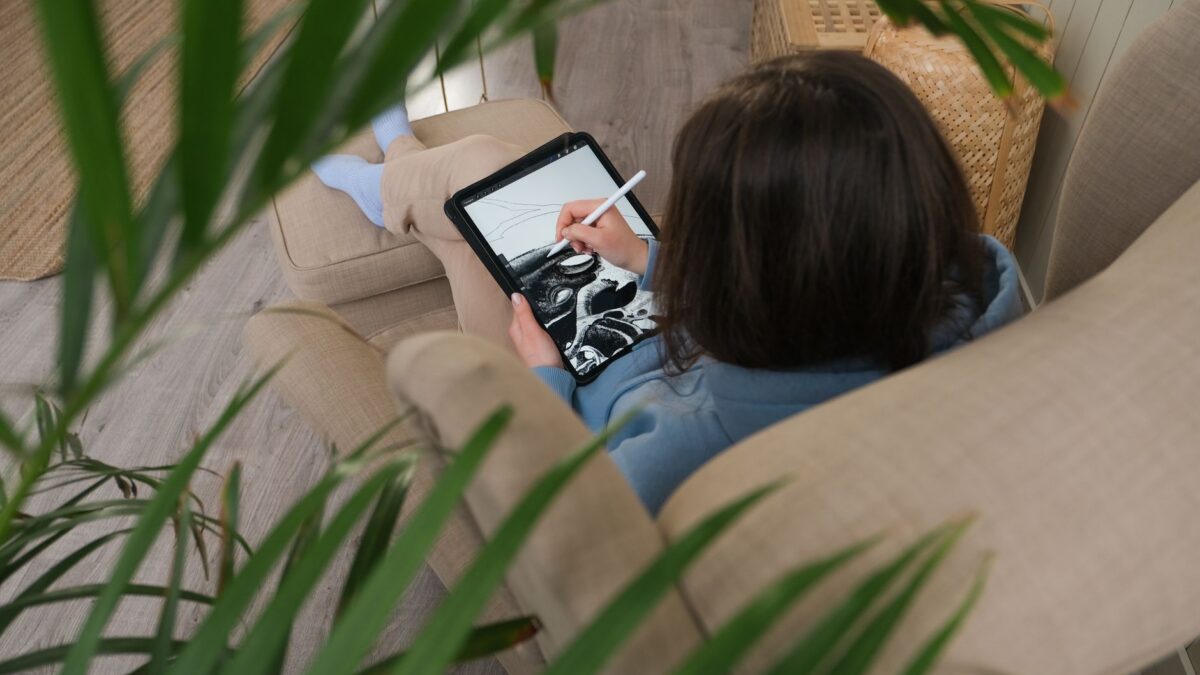
Canva has released Affinity for iPad, a free design app that puts sketching, vector drawing, photo editing and page layout in one place. It also adds a new Sketch Studio built for touch and Apple Pencil. The core tools are free for individuals, though you need a free Canva account to use the app.
What the iPad app does
The app combines four “studios” you can switch between while working on the same file: Sketch, Vector, Pixel and Layout. Files use the .af format, which can also be opened in the desktop version.
- Sketch: freehand drawing with a customizable brush library. A feature called Sketch to Shapes turns hand-drawn forms into editable vector shapes.
- Vector: drawing with curves and precise points, for things like logos and icons.
- Photo: RAW editing and non-destructive adjustments, plus a Mask Tool meant to help trace difficult edges such as hair and fur with Apple Pencil.
- Layout: multi-page documents with master pages, and print-ready output.
Canva says the interface was designed for iPad rather than shrunk down from the desktop app. It also says the app supports Apple Pencil Pro features including barrel roll, squeeze and hover, along with pressure and tilt.
What is free and what is not
Sketching, vector, photo and layout tools are free for individuals. The paid part is limited to AI features, which require a Canva premium plan and are available through Canva AI Studio. They include Generative Expand, image upscaling, noise reduction and Decompose Layer, which splits a flat image into editable layers.
This is the same approach Canva used when it relaunched the desktop app last year. That relaunch merged the formerly separate Affinity Designer, Photo and Publisher apps into one app for Mac and Windows. Canva says the desktop app has since drawn more than seven million sign-ups.
What is missing at launch
The iPad version does not yet match the desktop app. According to Affinity’s website, as reported by MacRumors, these features are absent for now:
- Books
- Batch
- Data Merge
- Quick Adjustments
- Info and Scope panels
- Macro recording
- Astrophotography Studio
More features are planned over time, though no dates were given in the sources. Canva’s own announcement describes the app as offering “the same pro-level power” as the desktop version, so how much the gaps matter will depend on your workflow.
Why it matters
For anyone who owns an iPad and an Apple Pencil, this is a no-cost way to do work that often needs several paid apps. Because the file format is shared, you can start a sketch on the tablet and open the same file on a Mac or Windows computer. Canva’s CEO of Pro Design, Duncan Clark, said an iPad version had been the top request from users since the desktop apps were combined.
The free offer has limits. You need a Canva account, and the AI tools cost extra. If you do not plan to use those AI features, the free tier appears to cover everything else the app can do at launch.
How to get it
Affinity by Canva is a free download from the App Store, with in-app purchases for the AI features. It requires iPadOS 18.0 or later.
What to watch next
The main open question is how quickly the missing desktop features arrive. Canva has said more will be added but has not published a schedule in the material available. If you rely on batch processing, data merge or macros, it may be worth checking Affinity’s feature list before moving a project over.